
10 Best Apps for Salesmen in 2026 to Crush Quota

Your sales stack is leaking, and you can feel it by 10 a.m. The CRM's open in one tab, LinkedIn's open in another, your inbox is a landfill, and the “hot” leads are somehow always cold by the time you circle back. The problem isn't effort, it's tool sprawl. Most apps for salesmen solve one annoyance, then create two more, which is how smart reps end up doing admin for a living.
The fix is a stack that matches how sales works now: signal first, execution second, coaching and reporting after. That means using intent-driven prospecting to find buyers who are already acting like buyers, then pushing that signal into the right engagement, CRM, and coaching tools so nothing falls through the cracks. If your current setup feels like a pile of disconnected subscriptions, good, it should. That usually means it's time to build a real system.
Table of Contents
1. RoverLead AI
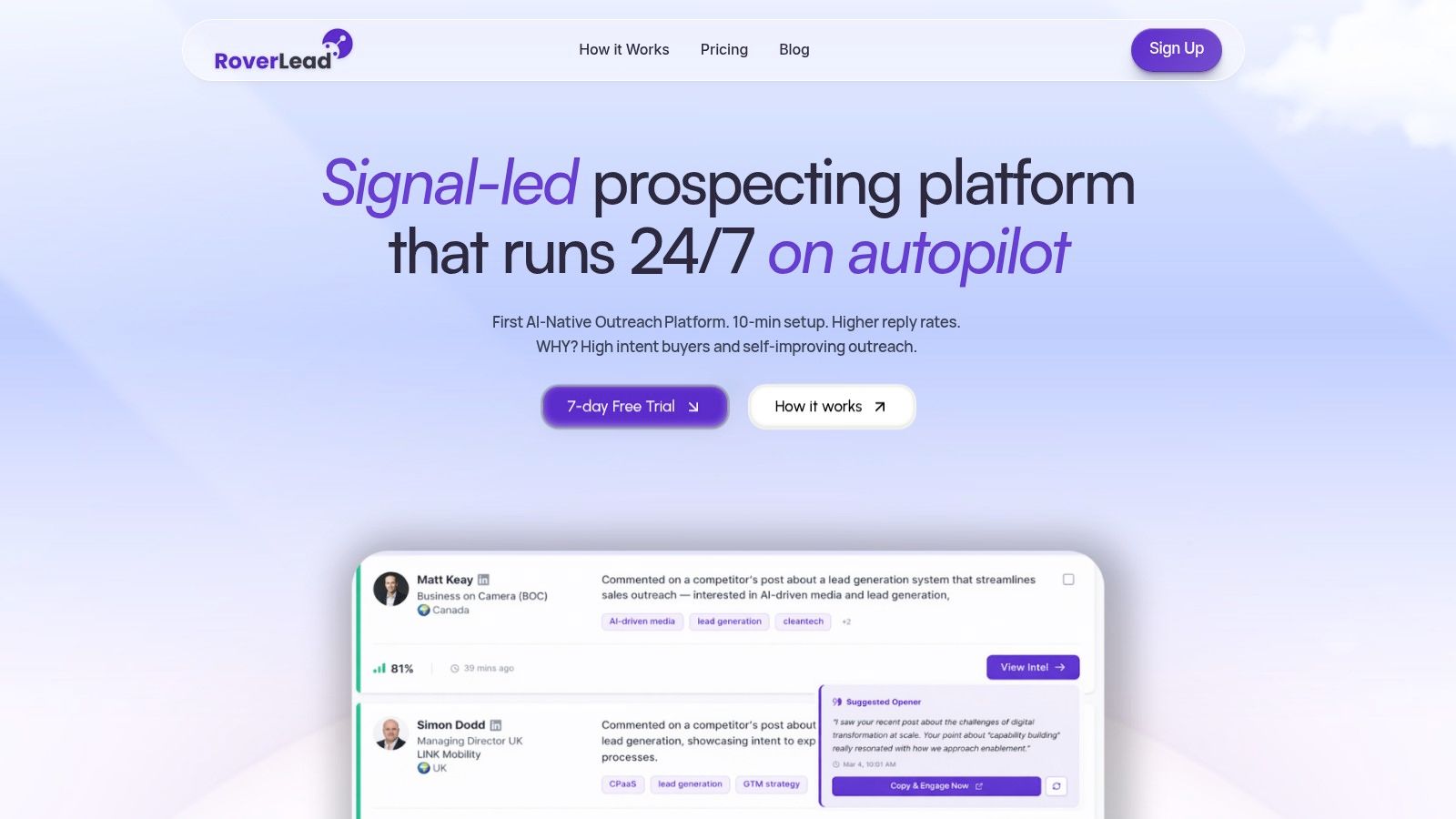
RoverLead AI is for reps who are done pretending static lead lists still work. It tracks LinkedIn engagement, comments, content interactions, pricing conversations, demo chatter, and other buying signals, then turns that activity into a daily feed of prospects who look in-market. If you sell on LinkedIn and still spend your mornings building lists by hand, you are doing factory work in a software era.
The setup is straightforward. Define your ICP, competitors, keywords, and niche experts, then let the signal agents do the dull part, monitor activity, surface leads, and write contextual openers from the exact signal that triggered the match. The point is simple, less research, more outreach, and the platform supports that with a LinkedIn-compliant workflow and automated outreach tied to the trigger itself.
Practical rule: If a prospect is already engaging with your niche, do not make your reps start from scratch with generic outreach. The signal is the opening.
The product fits B2B sales leaders, SDRs, founders, and agencies that need pipeline without the ritual of manual list building. Pricing starts at $149/month/user for Starter and $449/month/user for Growth, with custom enterprise plans for larger teams, and there is a 7-day free trial for teams that want to test the workflow before they commit. If you want a fuller breakdown of how this kind of workflow fits into a modern stack, read how to use AI in sales.
1. RoverLead AI
RoverLead AI is what happens when you stop pretending static lead lists are enough. It watches real LinkedIn engagement, comments, content interactions, pricing conversations, demo chatter, and related buying signals, then turns that behavior into a daily feed of people who look in-market. If you sell on LinkedIn and still spend your mornings pulling lists by hand, you're doing factory work in a software era.
The setup is fast. Define your ICP, competitors, keywords, and niche experts, then let the signal agents do the boring part, monitor activity, surface leads, and write contextual openers from the exact signal that triggered the match. The pitch here is simple, less research, more outreach, and the platform is built to support that with a LinkedIn-compliant workflow and automated outreach tied to the trigger itself.
Practical rule: If a prospect is already engaging with your niche, don't make your reps start from scratch with generic outreach. The signal is the opening.
The product fits B2B sales leaders, SDRs, founders, and agencies that need pipeline without the ritual of manual list building. Pricing starts at $149/month/user for Starter and $449/month/user for Growth, with custom enterprise plans for larger teams, and there's a 7-day free trial for teams that want to test the workflow before they commit, as described on the product site and the official AI usage guide (RoverLead AI, how RoverLead applies AI in sales).
Pros
Autonomous prospecting: It runs around the clock instead of waiting for a rep to remember to search.
Intent over firmographics: It looks at behavior, not just company size and title.
Contextual openers: Reps get a reason to reach out, not a recycled template.
Fast adoption: A five-minute setup beats a month of “training” nobody remembers.
Cons
LinkedIn dependence: If your buyers aren't active there, coverage gets thinner.
Tuning matters: Bad ICP input means noisy leads, which is still better than random ones, but only barely.
2. LinkedIn Sales Navigator
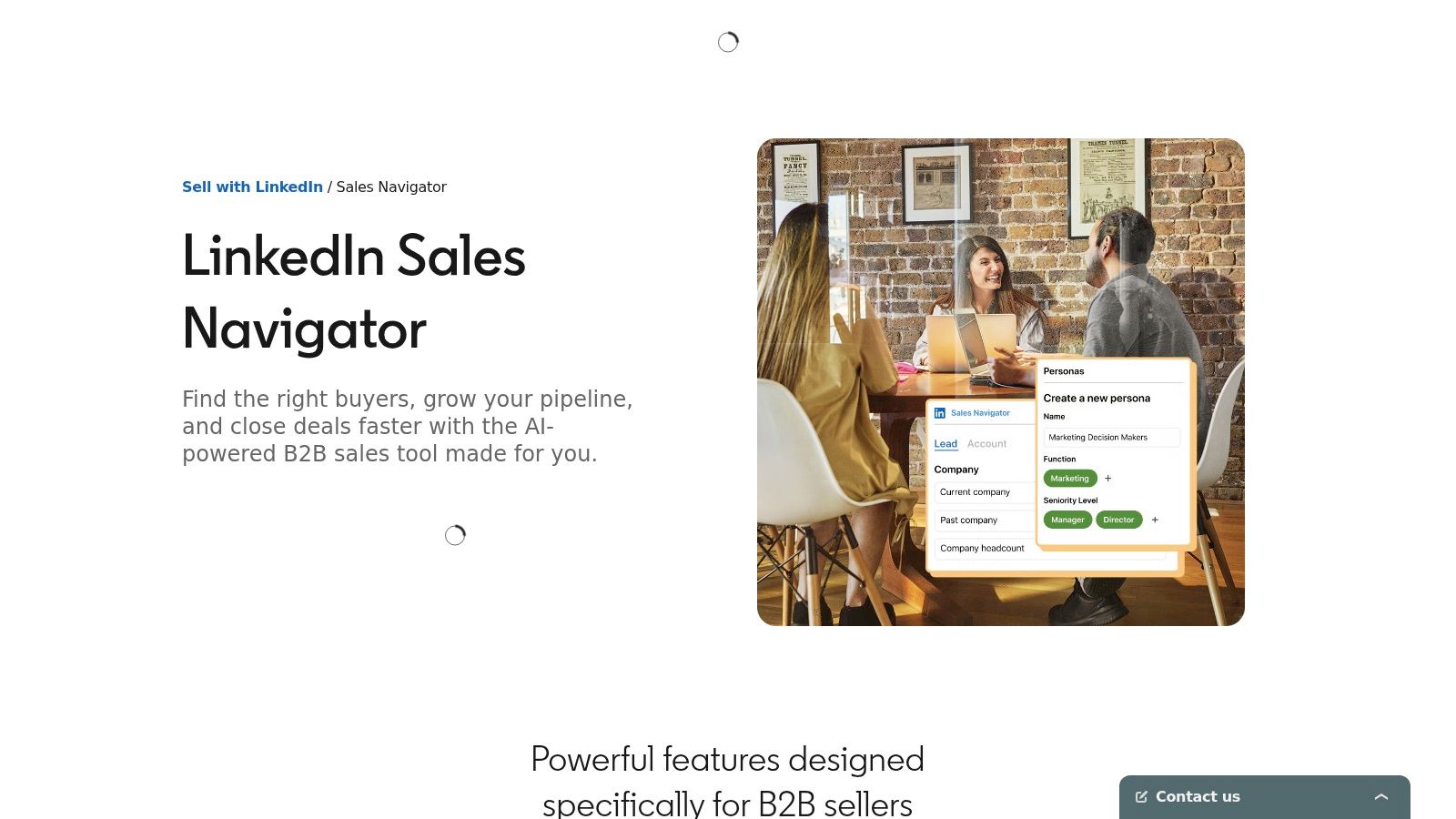
LinkedIn Sales Navigator is still the obvious native choice when your motion lives inside LinkedIn. It gives you advanced search, account and lead recommendations, job-change alerts, news signals, warm paths through TeamLink, and InMail, which is why it remains a core tool for social selling and account research (LinkedIn Sales Navigator). Used properly, it helps reps find the right people and time their outreach without playing detective all day.
It's also a useful pressure test for your stack. If your team only uses Sales Navigator as a fancy search box, you're leaving most of the value on the table. The better use is to pair it with an execution layer that turns those alerts into action, because search without follow-through is just expensive curiosity.
Where it wins
Its strongest advantage is access to LinkedIn's graph and the warm-intro paths that come with it. That matters for reps who sell high-trust services, enterprise software, or anything where a mutual connection beats a cold pitch.
It also earns its keep through signal timing. Job changes, posts, mentions, and account updates create reasons to reach out, and those moments are what make the difference between a reply and a shrug.
Best fit: B2B teams doing social selling, list curation, and contact prioritization.
Weak spot: It's not a full engagement engine, so it won't save you from a lazy follow-up process.
How RoverLead uses LinkedIn signals differently is worth reading if you want to compare native search with signal-led automation.
3. Apollo.io
Apollo.io is the classic SDR starter stack because it bundles data and outreach in one place. You get a B2B contact database, email sequencing, a dialer, tracking, A/B tests, and a Chrome extension that enriches records from LinkedIn pages, which makes it appealing to teams that want to move fast without stitching together five tools (Apollo.io). That convenience is the hook. The question is whether your team can keep the data clean enough to trust it.
For small and mid-sized SDR teams, Apollo is attractive because it reduces tool count and gets reps working quickly. The tradeoff is that credit usage and higher-tier costs can creep up, so the stack feels cheap at first and more serious later, which is how these things usually go. If your team is hungry for speed, Apollo delivers. If your ops discipline is weak, Apollo will happily expose that too.
Use it when you need one tool to start fast
Apollo works best when the team needs a single place to source contacts and launch outreach. It also helps when you want broad integrations with systems like Salesforce and HubSpot, because that cuts down on copy-paste nonsense.
Pros
All-in-one convenience: Data, sequencing, and dialing live together.
Low-friction adoption: Reps can get moving quickly.
Good starter stack: It's easy to understand and easy to deploy.
Cons
Credit creep: Usage can get expensive as the team scales.
Data verification still matters: No database removes the need for human judgment.
4. Salesloft
Salesloft is for teams that are done improvising. It brings cadence orchestration, conversation intelligence, deals, forecasting, and CRM sync into one enterprise-grade platform, which is why larger orgs use it when they want governance instead of chaos (Salesloft). The value isn't just that reps can send emails and make calls. It's that leadership can standardize how work gets done without turning every manager into a part-time firefighter.
That said, Salesloft is not for teams that want quick-and-dirty setup with zero process. It asks for admin time, process maturity, and people who want the machine to work. If you've got that, it's a serious platform. If you don't, it will feel like buying a race car for a parking lot.

Why large teams stick with it
Its biggest strength is that it reduces vendor sprawl. Cadences, call intelligence, forecasting, and admin controls sit together, so leaders don't have to patch together half a dozen tools just to know what's happening.
It also works well when you need clean CRM alignment and a predictable rep workflow. That's the opposite of “everyone does their own thing and somehow we still call it a process.”
Best fit: Enterprise teams with real enablement and forecasting discipline.
Weak spot: If your team hates structure, this platform will not hide that problem.
6. HubSpot Sales Hub
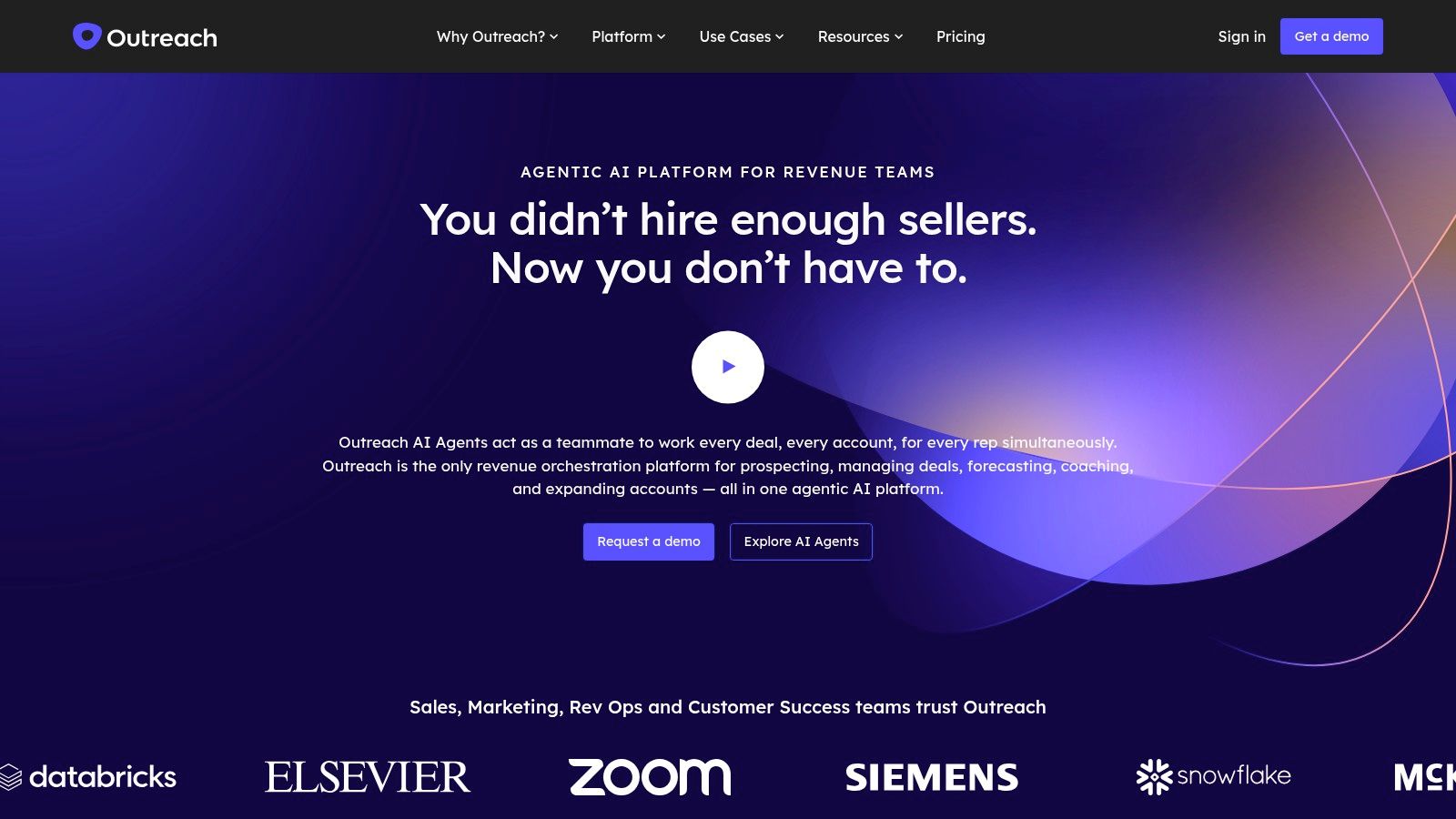
HubSpot Sales Hub is the clean answer for teams that want CRM and sales execution in one place without turning the stack into a plumbing project. Sequences, email tracking, meetings, calling, CPQ, quotes, forecasting, and deal management sit inside the CRM, which means fewer handoffs and less “who owns this record?” nonsense (HubSpot Sales Hub). That simplicity is the point.
It works especially well for teams that are tired of paying for one system to store data, another to send emails, and a third to explain what happened after the fact. HubSpot keeps the workflow tight, and tight workflows usually mean cleaner data. The tradeoff is plain. Sequences and engagement depth are not as deep as the pure-play platforms, so if your team wants aggressive cadence control, this may feel a little polite.
Best when you want fewer moving parts
HubSpot's layered seat model gives smaller teams a relatively gentle on-ramp and bigger teams a path to scale. That makes it a smart choice for companies that want one vendor for CRM plus sales execution.
The win is admin sanity. When the CRM is the home base, reps are less likely to wander off into tool sprawl and forget to sync anything. Managers get cleaner reporting, and ops teams spend less time cleaning up avoidable messes.
Pros
Single-vendor stack: Less integration work.
Cleaner data: Fewer handoffs mean fewer broken records.
Scalable model: Works for growing teams and larger orgs.
Cons
Seat and pricing logic: It can get confusing.
Engagement depth: Not as deep as specialist outreach tools.
6. HubSpot Sales Hub
HubSpot Sales Hub is the clean answer for teams that want CRM and engagement in one place without the usual integration circus. Sequences, email tracking, meetings, calling, CPQ, quotes, forecasting, and deal management live inside the CRM, so there are fewer handoffs and less “who owns this record?” drama (HubSpot Sales Hub). That simplicity is the point.
It fits teams that are sick of paying for one system to store data, another to send emails, and a third to explain what happened after the fact. HubSpot keeps the workflow tight, and tight workflows usually mean cleaner data. The tradeoff is obvious. Sequences and engagement depth are not as deep as the pure-play platforms, so if your team wants aggressive cadence control, this can feel a little polite.
HubSpot also works for managers who care about adoption more than app collecting. Reps know where to work, managers know where to look, and ops teams spend less time untangling records that drifted across tools.
Best when you want fewer moving parts
HubSpot's layered seat model gives smaller teams a gentler on-ramp and bigger teams a path to scale. That makes it a smart choice for companies that want one vendor for CRM plus sales execution.
The win is admin sanity. When the CRM is the home base, reps are less likely to wander off into tool sprawl and forget to sync anything. If your team already struggles to connect signal-based prospecting with execution, start with a cleaner operating core, then layer in intent-driven workflow around it. A good place to pressure-test that discipline is a simple look at your sales activity tracking habits, because sloppy activity usually means sloppy reporting.
Pros
Single-vendor stack: Less integration work.
Cleaner data: Fewer handoffs mean fewer broken records.
Scalable model: Works for growing teams and larger orgs.
Cons
Seat and pricing logic: It can get confusing.
Engagement depth: Not the deepest sequence platform on the market.
7. ZoomInfo SalesOS
ZoomInfo SalesOS is the premium data and intent layer teams buy when contact quality matters more than cheap volume. It gives you company and contact data, enrichment, direct dials, intent signals, scoops, tech tracking, org charts, and CRM integrations, so reps can move from research to action faster (ZoomInfo). It matters most when SDRs, AEs, and marketing ops all need to work from the same intelligence without arguing over whose spreadsheet is less wrong.
The reason teams keep paying for it is simple, it cuts the time wasted hunting for the right number, the right title, or the right account structure. That saves reps from burning half the day on detective work. Just don't confuse a better data layer with a better sales motion. Bad outreach still stays bad, even with a shiny database.
Use data to reduce friction, not replace judgment
ZoomInfo works best when it sits under an actual engagement platform. Data alone doesn't create pipeline, but good data makes every downstream tool work better. If your stack is already signal-driven, clean sales activity tracking keeps the handoff from prospecting to outreach from turning into a mess.
Practical rule: Buy data to speed up decisions, not to justify more reports.
Pros
Deep enrichment: Strong for direct dials and contact completeness.
Intent plus data: Useful for prioritization.
Broad integrations: Fits into larger sales stacks.
Cons
Expensive: Credit-based pricing can inflate total cost.
Regional variance: Coverage still needs verification by market and ICP.
8. Gong
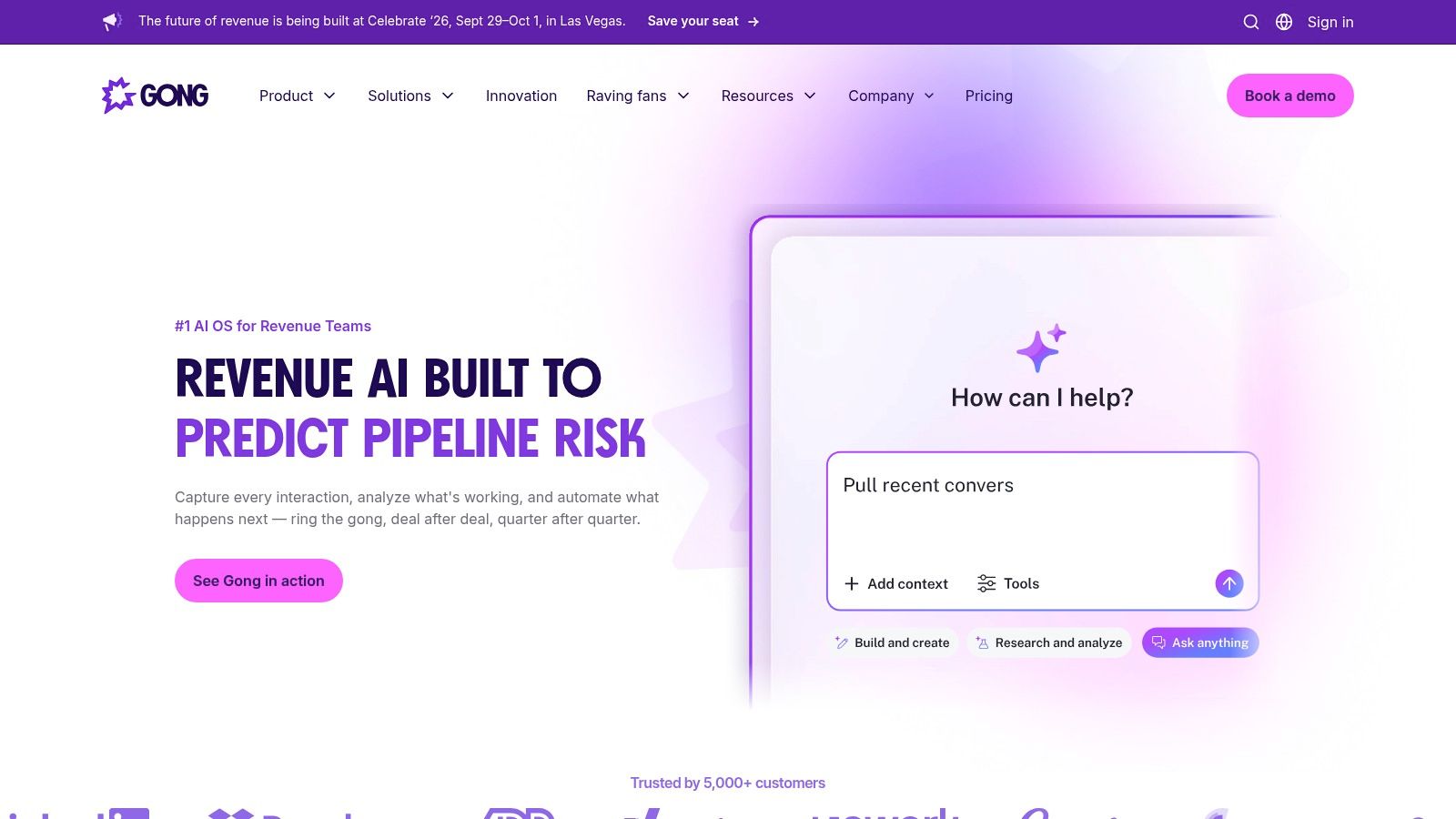
Gong takes sales calls, meetings, and pipeline chatter and turns them into coaching, forecasting, and deal intelligence. That is why managers like it and messy processes usually do not. It records and transcribes conversations, tracks objections and topics, surfaces deal risk, and gives leaders a clearer view of what is happening in the pipeline (Gong). If your forecast is mostly optimism with a logo on it, Gong is the mirror.
Used well, it changes behavior. Used lazily, it becomes a storage bin for recordings nobody reviews. Plenty of teams make that mistake, then act surprised when the same deal problems keep showing up in every quarter.
Coaching beats gut feel
Gong works best when managers coach and reps are willing to adjust how they sell. The platform gives scorecards, risk alerts, and call insights that make feedback less subjective and more useful.
It also fits better in a stack that tracks activity with intent. How RoverLead approaches activity tracking lines up with Gong because raw activity means little unless it leads to real conversations and real pipeline. If you are serious about outbound, keep your messaging tight so the handoff from prospecting to calls does not get torched by spam filters.
Pros
Conversation analytics: Gives managers evidence instead of hunches.
Forecast discipline: Makes deal health easier to read.
Enterprise controls: Suits larger sales organizations.
Cons
Premium pricing: Usually needs real budget approval.
Adoption dependence: Without manager buy-in, it is just recordings.
9. Clay
Clay is the oddball in this list, and that is exactly why it earns a slot. It pulls data from multiple sources, enriches records, and uses AI to build personalized lead lists and messages. SDRs like it because it cuts a lot of manual research out of the day and replaces chaos with structured workflows, especially for teams that want custom pipelines instead of a generic database. Clay
Clay punishes sloppy process. If your team treats it like a toy, it turns into an expensive spreadsheet with extra steps. If your team has discipline, it becomes a serious engine for hyper-personalization. That is the line between a tool that creates busywork and infrastructure that helps produce pipeline.
Best for custom prospecting pipelines
Clay fits teams that already know their ICP and want to enrich, score, and personalize at scale. It works cleanly in the middle of a stack, pushing better data into a sequencer or CRM instead of forcing reps to bounce between tabs and guesswork.
For sales teams trying to build a real intent-driven workflow, Clay is the glue. It helps take signal-based prospecting from rough inputs to usable lists, then hands cleaner records to the tools that do the sending and tracking.
Pros
Highly customizable: It handles complex workflows.
Research reduction: It cuts down manual work.
Strong connector role: It feeds other tools well.
Cons
Learning curve: You need process discipline.
Cost management: AI and data usage can add up.
10. Lavender
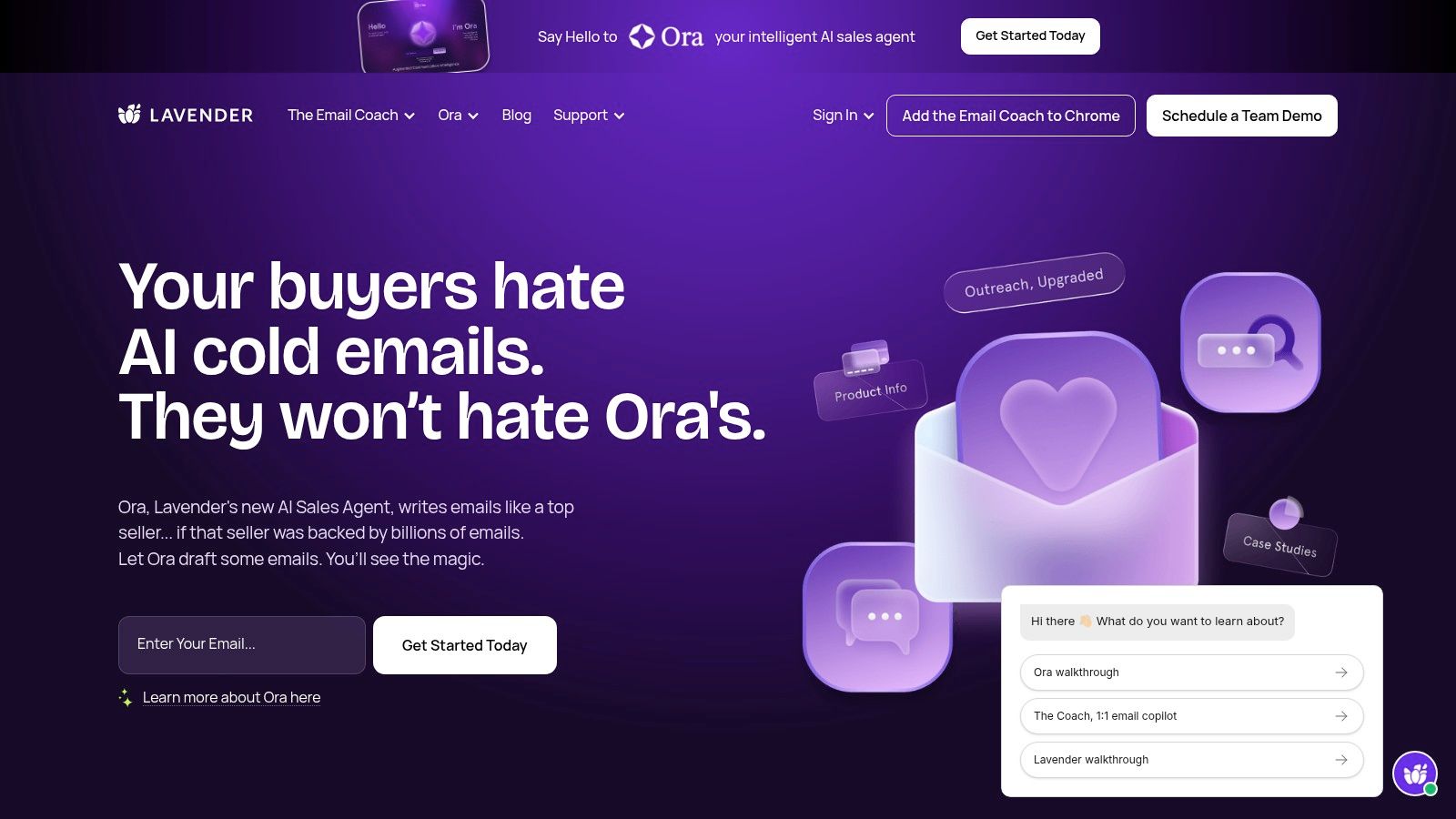
Lavender is the email coach for reps who know their writing is costing them replies. It scores cold emails in real time, suggests edits on tone, length, reading level, and personalization, and works as a Chrome extension inside Gmail and Outlook (Lavender). It doesn't replace your sequencer, which is the point. It makes the messages inside that sequencer less embarrassing.
Use Lavender when your list quality is decent but the copy is weak, or when reps keep sending emails that sound like they were generated by a committee. It's a lightweight add-on, not a full stack replacement, and that's what makes it useful. Good coaching in the inbox is better than another Slack reminder nobody reads.
Tight copy still matters
A better email won't rescue a bad list, but it can stop a good list from being wasted. Lavender helps reps see the weakness before they hit send.
How RoverLead avoids spam filters is a smart companion read if your team is serious about deliverability and reply quality.
Pros
Fast feedback: Reps get immediate coaching.
Lightweight: It sits alongside existing tools.
Writing support: Good for improving cold email quality.
Cons
Chrome-dependent: Best inside supported inboxes.
Not a list fix: It won't solve bad targeting.
Plan variation: Some features depend on the tier.
Top 10 Sales Apps: Feature Comparison
Product | Core capability ✨ | Quality ★ | Value / Price 💰 | Target 👥 | USP / Notes |
|---|---|---|---|---|---|
RoverLead AI 🏆 | Autonomous LinkedIn signal agents → daily, contextual leads & AI openers | ★★★★☆ | 💰 $149/mo (Starter) → $449/mo (Growth); enterprise custom; 7‑day trial | 👥 B2B sales leaders, SDRs/BDRs, founders, agencies | ✨ Behavior-led intent (comments/interactions), 2–3x reply rates, 30–50% more meetings |
LinkedIn Sales Navigator | Advanced LinkedIn search, alerts & warm‑intro paths | ★★★★☆ | 💰 $$/seat (native LinkedIn pricing) | 👥 Social sellers, account execs, talent & recruiters | ✨ Best‑in‑class LinkedIn graph + TeamLink warm paths |
Apollo.io | B2B contact database + sequencer & dialer | ★★★★☆ | 💰 $ (credit‑based emails/exports) | 👥 SMB SDR teams needing data + outreach | ✨ All‑in‑one data + email sequencing with Chrome enrichment |
Salesloft | Multichannel cadences, convo intelligence & forecasting | ★★★★☆ | 💰 Quote (enterprise) | 👥 Mid→large sales orgs needing governance | ✨ Enterprise workflows, deep CRM sync & forecasting |
Outreach | AI‑assisted sequencing, sentiment & deal health | ★★★★☆ | 💰 Quote (premium positioning) | 👥 Enterprise sales teams standardizing playbooks | ✨ AI prioritization and sequence optimization |
HubSpot Sales Hub | CRM‑native engagement, CPQ and forecasting | ★★★★☆ | 💰 $–$$ (layered seats/add‑ons) | 👥 Teams wanting CRM + engagement in one vendor | ✨ Tight CRM integration; faster admin & cleaner data |
ZoomInfo SalesOS | B2B data, intent signals, org charts & enrichment | ★★★★☆ | 💰 $$+ (credit/add‑on driven) | 👥 Data/ops teams and large SDR orgs | ✨ Deep US phone coverage, intent + enrichment bundle |
Gong (Revenue Intelligence) | Call recording, transcription, deal health & coaching | ★★★★★ | 💰 Quote (premium) | 👥 Revenue leaders, managers, enablement | ✨ Deep conversation analytics tied to outcomes |
Clay | Custom prospecting workflows, enrichment & AI personalization | ★★★★☆ | 💰 $/usage (enrichers & AI credits) | 👥 SDRs focused on hyper‑personalization & ops | ✨ Spreadsheet‑style pipelines + 50+ enrichers |
Lavender (AI Email Coach) | Inbox‑side email scoring, rewrites & personalization tips | ★★★☆☆ | 💰 $–$ (extension/subscription) | 👥 Reps who rely on email outreach | ✨ Real‑time scoring (0–100) and rewrite suggestions |
Stop Collecting Apps, Start Building a System
The best app for a salesman is the one that gets used every day because it makes the job easier, not louder. That's the filter. If a tool doesn't help a rep find better prospects, work faster, or follow up without chaos, it's just another icon on a crowded desktop.
The better move is to build your stack around the bottleneck that's hurting revenue. If lead quality is awful, start with signal-driven prospecting. If reps are wasting time writing and rewriting outreach, add an engagement layer and an email coach. If managers can't see what's happening in deals, use revenue intelligence. If your CRM is the center of gravity, make sure the rest of the stack serves it instead of fighting it.
That's the difference between activity and pipeline. Activity looks busy, pipeline looks profitable. A modern stack should connect intent, execution, and coaching so reps spend more time in conversations with buyers who want to talk, and less time feeding spreadsheets that nobody trusts.
RoverLead AI helps teams replace dead lists with live LinkedIn intent, then turn that signal into outreach that fits the moment. If you want a stack that starts with real buyer behavior instead of guesswork, visit RoverLead AI and see how signal-led prospecting changes the quality of your pipeline.