
10 Prospect Research Tools Every B2B Sales Team Needs In
Your SDRs built a neat list last week. This week, half those accounts have gone quiet, two buyers changed jobs, one champion is busy commenting on a competitor's launch post, and your calendar is still suspiciously open. That's the problem with static prospecting. The list ages faster than the sequence.
The better move is intent-led research. Instead of guessing from company size and industry, you use prospect research tools that tell you who's active, what they're engaging with, and whether that activity looks like curiosity or buying motion. That matters because teams often over-invest in contact databases and engagement platforms while underinvesting in intelligence and AI agents that track real behavior, as noted in SalesMotion's analysis of B2B prospecting tools.
Table of Contents
1. RoverLead AI
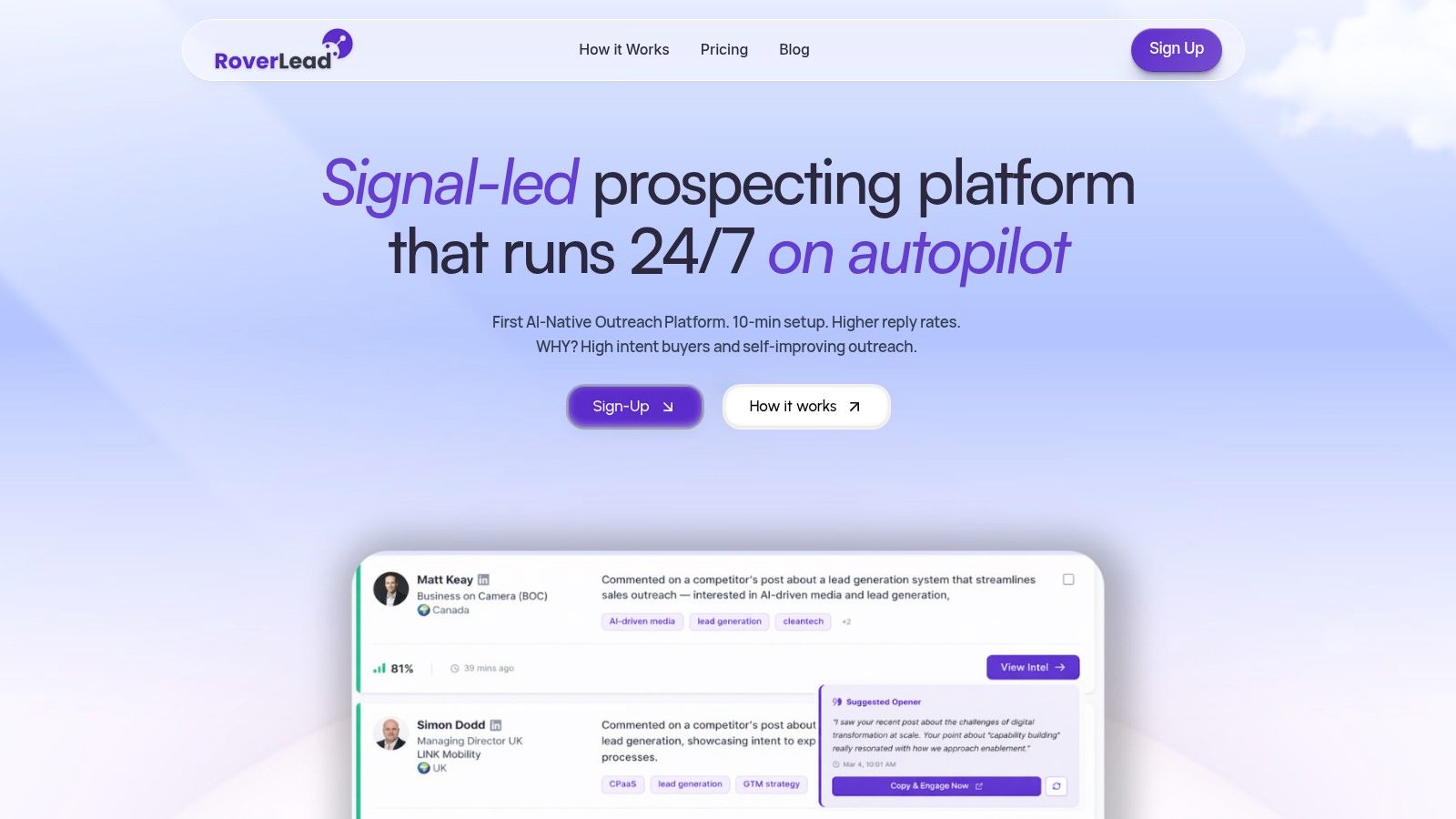
RoverLead AI is the clearest example of a behavior-led prospect research tool built for LinkedIn-native outbound. Instead of asking reps to pull lists, save searches, monitor creators, stalk competitor comment sections, and manually draft openers, it turns those jobs into an always-on signal workflow. You set your ICP, keywords, competitors, and niche experts, then let the system watch for relevant activity.
That matters because signal-based AI prospecting is the fastest-growing subcategory in AI sales prospecting, and teams using real-time buyer signals are seeing higher reply performance than traditional outbound methods, according to Autobound's 2026 state of AI sales prospecting. RoverLead is built around that exact idea: stop treating every prospect like they woke up waiting for your cold message.
Why RoverLead feels different in practice
The big distinction is context. RoverLead surfaces who engaged, what they engaged with, and why that interaction may matter. That could be comment activity, creator engagement, competitor interactions, and pricing or demo-related behavior. It's much closer to a living intent feed than a static lead export.
Pricing is straightforward too. Starter is $149/month/user, Growth is $449/month/user, and Enterprise is custom. That clarity is refreshing in a category where “talk to sales” often means “brace your finance team.”
Practical rule: If your team already lives on LinkedIn, behavior beats bulk. A smaller stream of contextual leads usually outperforms a giant spreadsheet nobody trusts by Friday.
Where it fits in a LinkedIn workflow
RoverLead slots in neatly. Use LinkedIn as the social graph, let RoverLead identify warm signals, then let reps work the conversations that already have a reason to exist. If you want the broader category view, RoverLead also sits naturally alongside newer AI prospecting tools for signal-led outbound.
A few trade-offs are real. If your ICP barely posts, comments, or engages publicly on LinkedIn, RoverLead has fewer signals to work with. And if your team wants to hand-build every sequence step, the autonomy can feel less customizable than old-school list-plus-sequence workflows. Still, for teams trying to replace research drudgery with actual selling, it's one of the most practical options on this list.
2. LinkedIn Sales Navigator

A rep has the account list, the CRM is half-right, and nobody agrees on who owns the buying committee. Sales Navigator fixes that part fast. It is still the clearest place to verify job titles, map stakeholders, spot recent job changes, and see how close your team is to a warm introduction.
That makes it a firmographic and identity tool first, not a behavior engine. You use it to answer who works there, who matters, and how the org chart is shifting. You do not use it by itself to figure out who is actively showing buying intent today.
Best at account mapping and buyer validation
Sales Navigator earns its keep when reps need clean account context inside a LinkedIn-led workflow. Saved accounts, lead lists, relationship paths, and alerts are all useful in day-to-day prospecting, especially for teams selling into multi-threaded deals where one contact is never enough.
The trade-off is familiar. Sales Navigator gives you professional identity and visible activity, but not much help prioritizing which matched prospects deserve outreach first. That is exactly where behavior-based tools like RoverLead AI fit. Use Sales Navigator to define the account and contact universe, then layer in engagement signals to decide who moves to the top of the call list.
It also plays well with a broader CRM data enrichment workflow if your team needs LinkedIn-validated records to sync cleanly into the rest of the stack.
Pricing is the other reality check. Sales Navigator is sold per seat, and that matters once you move beyond a small outbound team. The platform also works best when reps spend time in LinkedIn. If your motion depends more on email volume, enrichment at scale, or built-in sequencing, Sales Navigator usually needs support from other tools rather than acting as the whole system. As LinkedIn explains in its Sales Navigator product overview, the product is built around account discovery, lead recommendations, and relationship insights, which is exactly where it performs best.
Best use case: Account research, stakeholder mapping, job-change tracking, and rep-level social selling.
Watch-out: Per-seat cost adds up, and the workflow gets stronger only when paired with enrichment or behavior signals outside LinkedIn.
3. Apollo.io
Apollo.io is the multitool in the drawer. Database, enrichment, sequencing, dialing, and browser extension all live under one roof, which is exactly why small and mid-size GTM teams like it. You can go from “need a list” to “sequence is live” fast.
That convenience is also the trade-off. When one tool does many jobs, some parts are strong and some are adequate. Apollo is usually best for teams that want coverage and speed more than best-in-class depth in any one category.
Good when you want one tool to do a lot
Apollo works well for quick list building and campaign launch. It's especially handy when SDRs don't want to bounce between three separate tabs just to enrich a record and queue outreach. It also fits neatly into a CRM data enrichment process when you need prospect data to move into the rest of your stack without too much ceremony.
Fast setup is Apollo's real superpower. If your team needs precision intent research first and outreach second, you may outgrow the all-in-one convenience.
Pricing signals here are less about published sticker shock and more about understanding the credit and fair-use model before you buy. Teams often love Apollo right up until they realize “unlimited” still has guardrails.
4. ZoomInfo SalesOS
A common buying moment looks like this: RevOps needs cleaner account routing, sales wants more filters, and leadership wants one vendor that plugs into the CRM without creating a six-tool maintenance project. ZoomInfo usually makes the shortlist in that situation.
Its strength is not subtle. ZoomInfo is built for firmographic targeting first. Company data, org charts, technographics, enrichment, territory planning, and admin controls are the core value. If your team starts with "which accounts fit our market?" rather than "which people showed buying behavior this week?", the platform lines up well with that workflow.
Best for database depth and enterprise controls
ZoomInfo fits teams that prospect from the top down. Pick the segment, slice the TAM, route by territory, enrich records, then hand clean data to reps. That is a different motion from a behavior-led workflow built around LinkedIn activity, job changes, or engagement signals. In that setup, RoverLead AI usually sits earlier in the process, helping teams spot who is active on LinkedIn before they push selected accounts into a larger data and enrichment system.
It also belongs in any serious comparison of sales intelligence platforms for prospecting and enrichment. The catch is cost and complexity. Pricing tends to signal enterprise intent rather than casual self-serve adoption, and add-ons can change the total cost fast. Integration options are broad, which is useful, but broad integrations also mean more configuration work for ops teams.
Good fit: US-heavy teams that need firmographic depth, enrichment workflows, territory logic, and CRM governance.
Less ideal: Lean outbound teams that care more about behavior-based targeting than large-scale database administration.
5. Cognism
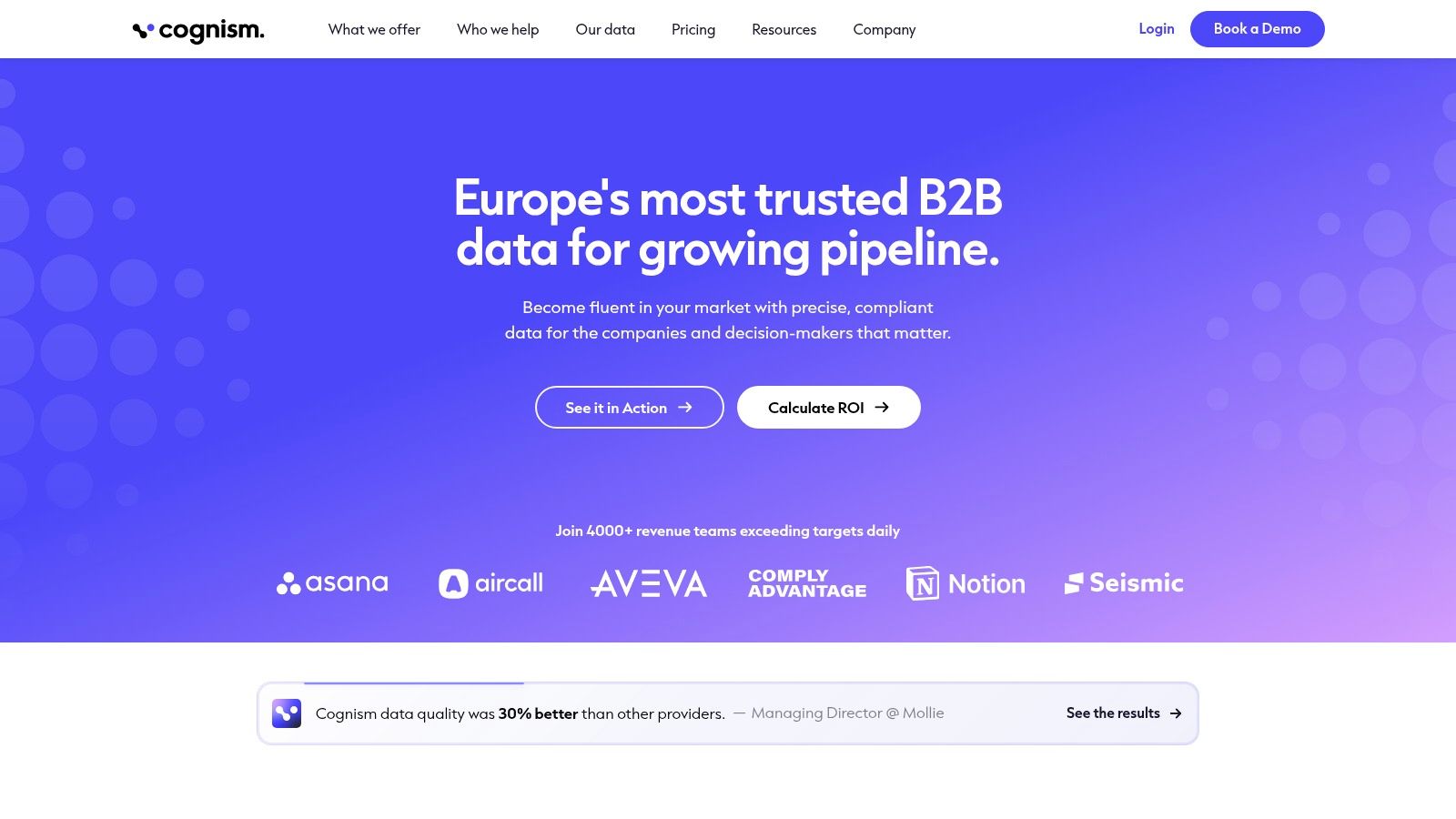
Cognism earns its spot for one reason many US-focused listicles gloss over. Europe exists, compliance matters, and prospecting into EMEA isn't the same sport as blasting a US database.
Its appeal is practical: strong EMEA coverage, a GDPR-first posture, and suppression against Do-Not-Call and TPS lists. If your reps sell into the UK and Europe, those aren't nice extras. They're operational sanity.
Especially useful for EMEA teams
Cognism is often the right answer when a team has already tried a US-centric provider and found patchy mobile coverage or a compliance headache. It's not usually the cheapest route, but it can be the cleaner one.
Pricing signals here point toward premium positioning rather than self-serve simplicity. That's the pattern with many compliance-forward data vendors. You're paying for reach and risk reduction, not just raw contacts.
6. Clearbit by HubSpot
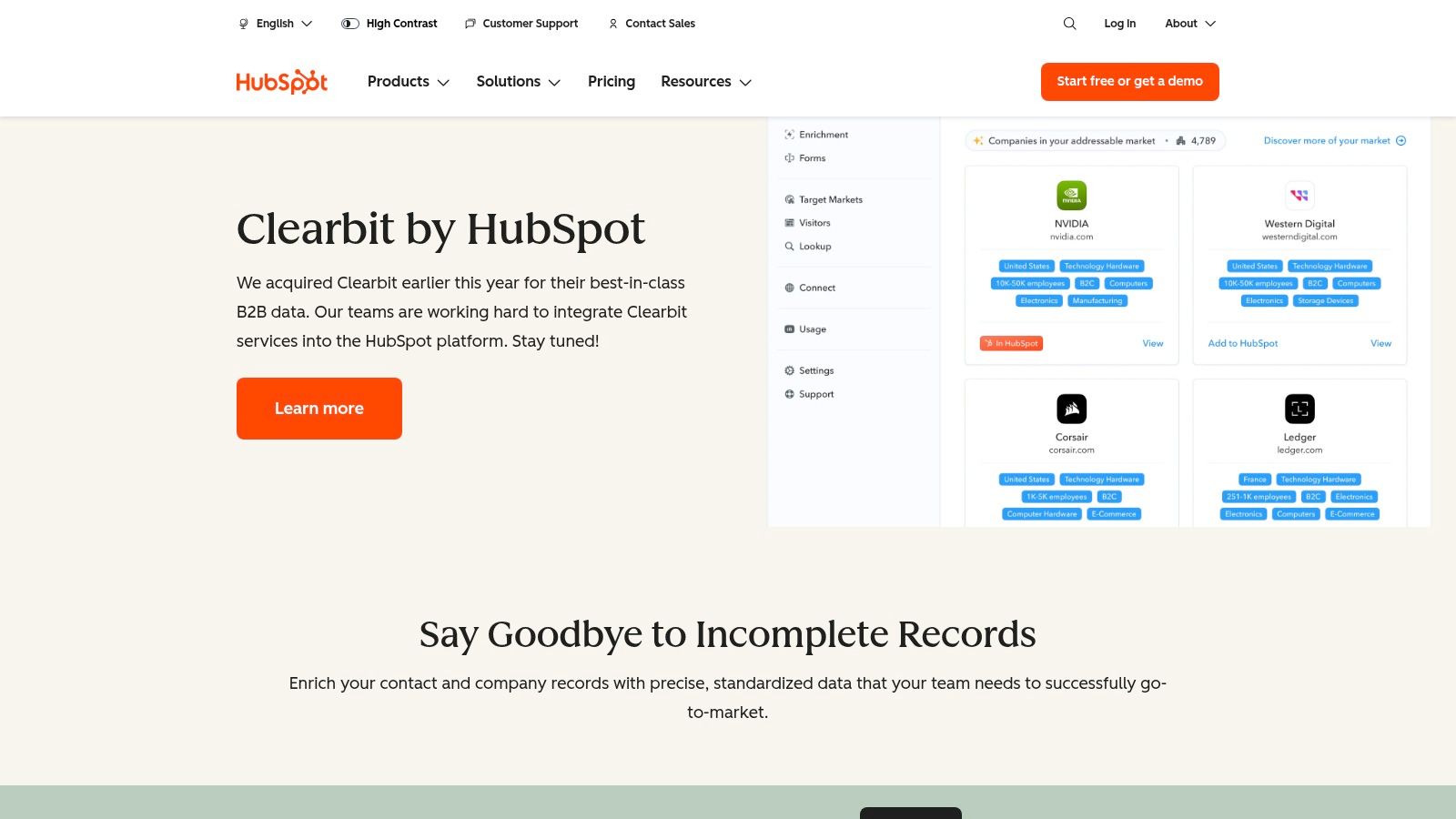
Clearbit by HubSpot shines when your research problem starts with inbound traffic rather than outbound list building. If anonymous site visitors matter, if forms are messy, and if your ops team wants cleaner routing, Clearbit becomes very useful very quickly.
This is less about finding net-new people on social platforms and more about making inbound records smarter. It fills firmographic and technographic gaps, helps identify visitor companies, and gives HubSpot users a tidy way to turn website activity into action.
Strongest inside a HubSpot stack
Clearbit is best when your GTM stack already runs through HubSpot. In that environment, it feels native. Outside it, the appeal drops.
If your reps complain that marketing sends “leads” with thin context, enrichment usually fixes more than another dashboard does.
It's a strong firmographic layer. It is not a substitute for behavior-led prospect research tools that watch for buying motion beyond your own site.
7. Clay
Clay is for teams that don't want a fixed workflow. They want a research operating system. If that sounds exciting, you'll probably love it. If it sounds like homework, you may not.
Clay lets teams blend many data sources, logic steps, APIs, and AI enrichment into dynamic tables that update as signals change. That flexibility makes it one of the most capable tools here for custom prospecting systems.
A power tool for research ops
Clay is excellent for stitching together firmographic filters, social context, technographic signals, and custom triggers. It pairs especially well with LinkedIn-heavy motions because you can build lists that evolve instead of freeze on export day.
The trade-off is straightforward. Clay doesn't hand you a winning motion. You design the motion. For RevOps, growth, and advanced SDR teams, that's a feature. For smaller teams, it can become an expensive science project with a nice UI.
8. Lusha
Lusha is refreshingly simple. Need a contact reveal workflow that doesn't require a procurement novel? Lusha is often the answer.
Its Chrome extension and credit-based model make it easy for reps to grab contact data while browsing LinkedIn. That simplicity is the whole pitch. It's not trying to be your entire GTM architecture, which is kind of charming.
Simple and fast for quick contact fills
Lusha works best as an add-on. If your team already has account selection covered and just needs missing contact details, it does the job cleanly.
Best fit: Smaller teams, founders, or reps who prospect directly from LinkedIn.
Limitation: Credit burn can creep up fast if your motion relies heavily on phone-first outreach.
9. LeadIQ

LeadIQ is less about broad market intelligence and more about making reps faster in the moment. You find someone on LinkedIn, capture the contact, enrich it, and push it into Salesforce, Outreach, or Salesloft without breaking your flow.
That focus makes it especially popular with SDR teams who already know where they're prospecting. They don't need another giant database first. They need a smoother handoff from research to outreach.
Best for capture and handoff
LeadIQ's AI drafting and workflow integrations are useful when speed matters. It trims the annoying little steps that slow reps down and lets them keep moving.
The trade-off is familiar. It's often better as part of a stack than as the whole stack. Teams with bigger data needs usually pair it with a broader provider rather than asking it to do everything.
10. 6sense Sales Intelligence
6sense is built for teams running serious account-based motions. If sales and marketing work together, which I realize is a bold assumption, 6sense can be very powerful.
It prioritizes accounts, layers predictive models, surfaces alerts, and helps teams focus where signal strength is highest. For enterprise ABM, that's exactly the point. For everyone else, it can feel like bringing a full command center to a coffee chat.
Built for account prioritization
Bombora accesses intent data through a consent-based cooperative of B2B publishers across more than 100,000 content sources, and platforms in this category use those types of signals to detect active research behavior, as outlined in HubSpot's guide to sales prospecting tools. That broader intent model is the lane 6sense plays in.
Enterprise ABM teams often need account-level prioritization more than rep-level prospect lists. That's where 6sense makes sense. Yes, the naming irony is unavoidable.
For smaller outbound teams without a tight marketing partnership, it's usually too much platform for the actual problem.
Top 10 Prospect Research Tools Comparison
Product | Core features / Approach | UX & effectiveness (quality) | Price & value 💰 | Target audience & USP 👥 ✨ |
|---|---|---|---|---|
RoverLead AI 🏆 | Autonomous Signal Agents, 10+ buying signals, AI-written openers, LinkedIn-compliant | ★★★★★, 2–3x reply rates, 30–50% more meetings, fast setup | 💰 Starter $149/mo/user, Growth $449/mo/user, Enterprise custom; founding locked rate | 👥 B2B SDRs, founders, GTM teams, ✨ behavior-led intent (engagement vs firmographics) |
LinkedIn Sales Navigator | 50+ lead/account filters, TeamLink, AI summaries, CRM integrations | ★★★★, dependable graph-of-record for profile research | 💰 Per-seat tiers, published plans & trials | 👥 Sales reps & account teams, ✨ largest LinkedIn network & warm-intro signals |
Apollo.io | Large contact DB, enrichment, sequences, dialer, Chrome extension | ★★★★, fast setup; all-in-one data+engagement | 💰 Freemium + seat/credit model; cost-effective for SMBs | 👥 SMB/mid-market SDRs, ✨ data + engagement in one product |
ZoomInfo SalesOS | Company/people search, technographics, Web Visitor ID, intent | ★★★★, enterprise-grade depth and governance | 💰 Quote-based; add-ons and seats increase cost | 👥 RevOps, enterprise sales, ✨ broad US coverage & mature integrations |
Cognism | Global B2B data with EMEA phone focus, DNC/TPS suppression, enrichment | ★★★★, strong GDPR/CCPA posture (EMEA accuracy) | 💰 Quote-based; premium for EMEA-centric coverage | 👥 Teams selling in EU/UK, ✨ compliance-first data & mobile accuracy |
Clearbit (by HubSpot) | 100+ attribute enrichment, visitor deanonymization, native HubSpot workflows | ★★★★, excellent inside HubSpot stacks | 💰 Quote via HubSpot; credit/usage models | 👥 HubSpot-centric ops & inbound teams, ✨ tight HubSpot integration |
Clay | Visual research canvas, LLM enrichment, workflows & APIs | ★★★★, highly flexible but power-user learning curve | 💰 Tiered plans; transparent AI cost-per-row (verify current tiers) | 👥 RevOps/SDR ops & bespoke playbooks, ✨ customizable live lists |
Lusha | Credit-based contact reveals, Chrome extension, CRM plugs | ★★★, simple, predictable contact fills | 💰 Credit model; free plan (~40 credits/mo) | 👥 Small teams/individuals, ✨ quick LinkedIn reveal workflow |
LeadIQ | LinkedIn capture + enrichment, AI Scribe, push to CRM/SEPs | ★★★★, efficient "find on LinkedIn → push to sequence" flow | 💰 Credit/seat model; sales-assisted pricing | 👥 SDRs using Outreach/Salesloft/SF, ✨ seamless capture-to-sequence |
6sense Sales Intelligence | Account prioritization, predictive AI, web deanonymization, intent | ★★★★, strong ABM orchestration for enterprise | 💰 Quote-based; enterprise pricing & credits | 👥 Enterprise ABM & marketing-aligned sales, ✨ predictive account signals |
Putting Intent to Work
The best prospect research tools don't all do the same job, and that's the point. Some are built for firmographic coverage. Some are built for contact capture. Some are built for account prioritization. The most effective stacks mix those layers instead of pretending one platform can do everything well.
A practical setup looks like this. Use a database tool such as ZoomInfo, Apollo, Cognism, or Lusha when you need reach, enrichment, and contact data. Use LinkedIn Sales Navigator when you need identity, role validation, and social context. Add behavior-led tooling when you want to know who's showing interest now, not who merely fits your ICP on paper.
That's where RoverLead AI has a very clear slot. It turns LinkedIn activity into an intent stream your reps can effectively use, replacing manual list pulls with signal monitoring and contextual openers. If your team is already prospecting on LinkedIn, that shift is usually more valuable than adding another giant list.
Measurement matters too. Prospecting analytics should connect activities like calls, emails, and social touches to meetings, opportunities, pipeline value, and revenue, which is the core logic behind Saber's framework for prospecting analytics. When pipeline is soft, don't just blame the reps. Check conversion rates, then engagement, then activity, then data quality. That sequence saves a lot of pointless arguments.
The category itself keeps growing. The global prospecting tool market is projected to expand at a CAGR of 5.9% from 2025 to 2035, and AI-driven intent analysis is part of that shift, according to Wise Guy Reports' prospecting tool market outlook. Translation: buyers are moving away from stale lists, and sales teams should too. Your next hot lead probably isn't hiding in another spreadsheet. It's already signaling somewhere.
FAQ
What are prospect research tools
Prospect research tools help sales teams identify, qualify, and prioritize potential buyers. Some focus on firmographics like company size, industry, and headcount. Others focus on behavior, such as content engagement, competitor interest, or research activity.
Which prospect research tools are best for LinkedIn workflows
RoverLead AI, LinkedIn Sales Navigator, LeadIQ, and Lusha are all useful in LinkedIn-centric workflows. Sales Navigator handles identity and account context. RoverLead adds live behavioral signals. LeadIQ and Lusha help with capture and contact fills.
What is the difference between firmographic and behavior-based research
Firmographic research tells you whether an account looks like a fit. Behavior-based research tells you whether that account appears interested now. The best teams use both, because fit without timing is just an expensive maybe.
Do I still need a contact database if I use behavior-led tools
Usually, yes. Behavior-led tools help you prioritize and personalize. Contact databases help you reach the right person through email, phone, or CRM workflows. One improves timing, the other improves execution.
Which tools are best for EMEA prospecting
Cognism is the standout on this list for EMEA-oriented teams because of its compliance posture and regional strength. Sales Navigator is also valuable for account research across markets.
How should I track ROI from prospect research
Track three layers: activity volumes, engagement rates, and pipeline outcomes. That means logging calls, emails, and social touches, then measuring replies, connects, meetings, opportunities, pipeline value, and wins. If you only measure list size, you're measuring busyness.
Are intent tools only for enterprise teams
No. Enterprise teams use broad account-intent systems like 6sense. Smaller teams can benefit from lighter, faster tools that identify active prospects from public behavior, especially on LinkedIn.
What data points should sales teams track
Track activity, engagement, and pipeline outcomes. For account research, collect the basics on fit, then add behavior, timing, and contextual triggers. In nonprofit prospect research, the classic framework is capacity, affinity, and propensity. In B2B, the same logic still holds up surprisingly well.
How do pricing signals fit into prospect research
Pricing signals matter because they often reveal urgency. Prospects discussing pricing, demos, vendor evaluations, or competitor comparisons tend to be more actionable than someone who merely matches a title filter.
What is the easiest stack to start with
A simple stack is LinkedIn Sales Navigator for research, one data provider for contact details, and RoverLead AI if your outbound motion depends on LinkedIn behavior signals. That keeps the workflow focused without turning your SDR team into part-time systems integrators.
If your team is tired of building lists that age badly, RoverLead AI is the practical upgrade. It plugs into a LinkedIn-driven workflow, watches for real buying signals, and gives reps contextual leads instead of another CSV to babysit.