
Top 10 LinkedIn Chrome Extensions: Boost Sales in 2026

Your inbox is full, your CRM is half-updated, and LinkedIn's open in one tab while three prospect spreadsheets glare at you from the others. That's the modern sales routine, a small festival of tab-tornado chaos. A good LinkedIn Chrome extension can cut the busywork, but a greater advantage comes from pairing the right tool with RoverLead AI when you need timing, intent, and better targeting instead of just faster clicking.
Table of Contents
1. Surfe formerly Leadjet
Surfe is the cleanest answer for reps who live in LinkedIn but hate messy CRM hygiene. Its lane is simple, keep records current without bouncing between tabs, which fits the browser-native history of LinkedIn extensions well, especially since LinkedIn's own extension long framed browser activity as a way to reduce friction inside the tab itself LinkedIn Chrome extension listing.
Why it works
Surfe's biggest strength is two-way CRM sync from LinkedIn profiles and search pages. That makes it a strong fit for teams that want notes, tags, custom field mapping, and auto-created contacts or opportunities to happen while the rep is still on the prospect page. It also leans into a more compliance-friendly posture than the gray-hat tools that dominate the category.
Practical rule: use Surfe when your pipeline breaks because data never makes it back into the CRM, not when you need a giant new lead database.
RoverLead AI workflow match
Use Surfe for record maintenance, then route the highest-intent people into RoverLead AI. That combination works well because Surfe handles the admin layer, while RoverLead AI watches for buyers who are actively engaging with creators, competitors, or topic discussions. For teams comparing outreach motions, RoverLead's LinkedIn lead generation guide is a useful companion.
2. Apollo.io Chrome Extension
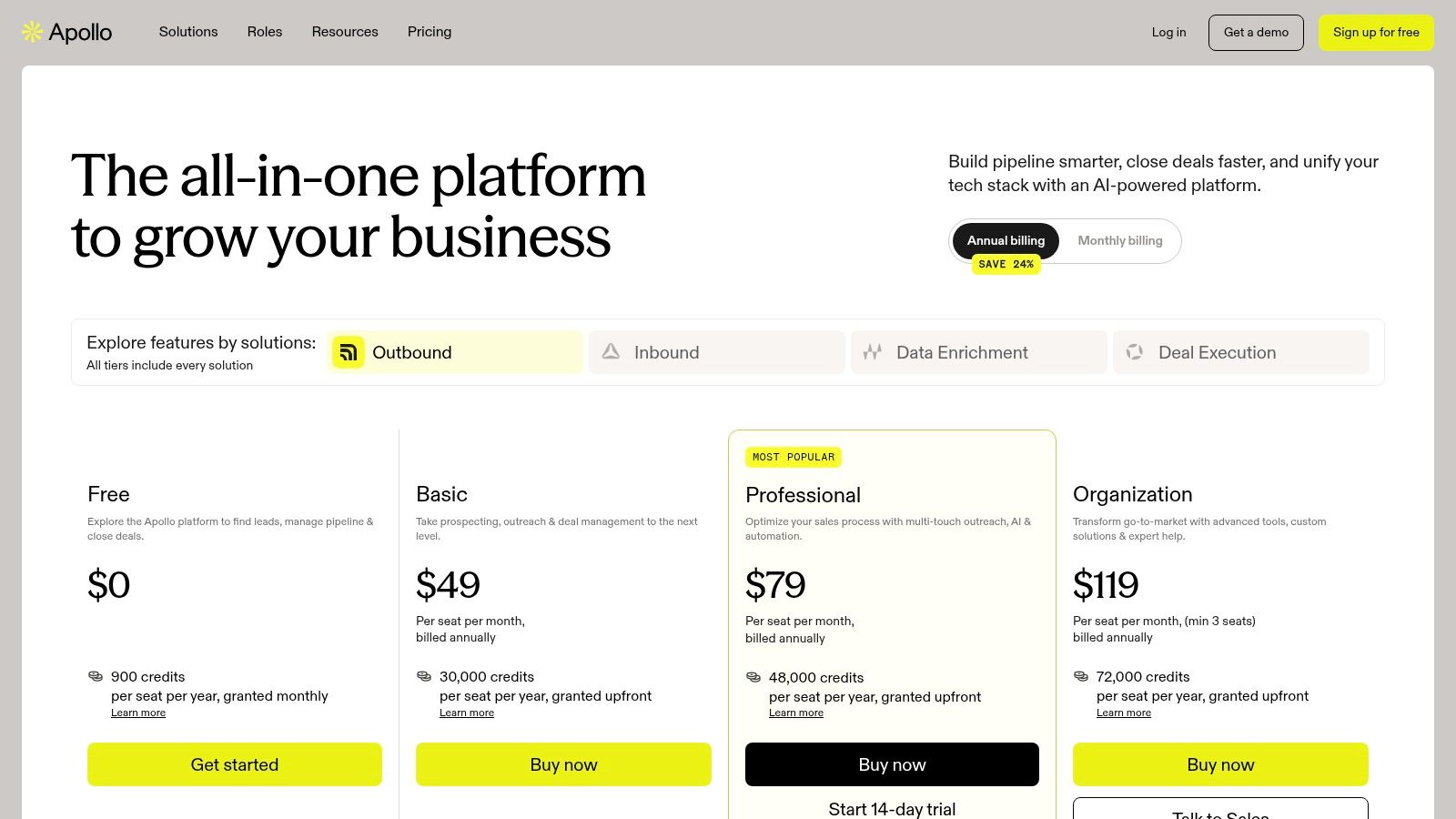
Apollo's extension feels built for teams that already bought into the Apollo stack and want LinkedIn to become a launchpad, not a detour. It lets reps reveal contact data, push prospects into lists, and move straight into sequences without turning prospecting into a three-browser-window endurance test.
Where Apollo shines
The workflow is best when a rep spots a promising profile in LinkedIn and wants an immediate handoff into Apollo's lists, dialer, and sequences. That tight loop is the point. The extension is less about browsing and more about turning a profile into an active motion with minimal delay.
Apollo can also fit teams that need their LinkedIn activity to stay connected to existing sales systems. Its ecosystem support makes sense for organizations already using Salesforce, HubSpot, Outreach, or Salesloft, because the tool is strongest when it sits inside a broader sales stack rather than standing alone.
RoverLead AI workflow match
Apollo is good for execution after identification. RoverLead AI is better for identifying people at the right moment in the first place. A practical workflow is to let RoverLead surface buyers showing intent, then use Apollo to enrich, sequence, and manage follow-up. For teams building social motions, RoverLead's social selling guide pairs nicely with Apollo's “move fast once you've got the lead” posture.
3. Lusha Extension
Lusha is one of the most familiar names in contact discovery, and that familiarity matters. SDRs usually want a tool they can trust to surface emails and direct dials quickly, without making LinkedIn feel like a scavenger hunt designed by someone who hates prospecting.
Best use case
Lusha works best for SMB and mid-market teams that need a straightforward one-click reveal workflow. It's especially handy when managers want centralized billing and team control, because that reduces the usual “who used all the credits?” drama that creeps into shared prospecting tools.
The trade-off is predictable. Heavy phone usage can get expensive in credit-based systems, and coverage varies by region and industry. So Lusha is strong when the team wants speed and simplicity, but it's less attractive if every rep treats it like a nonstop data vending machine.
RoverLead AI workflow match
Use Lusha when you already know the account and just need contact access. Use RoverLead AI when you want the account list itself to be smarter, because intent changes who should even be on the radar. That split keeps Lusha focused on contact retrieval and RoverLead focused on priority selection.
4. ContactOut Chrome Extension
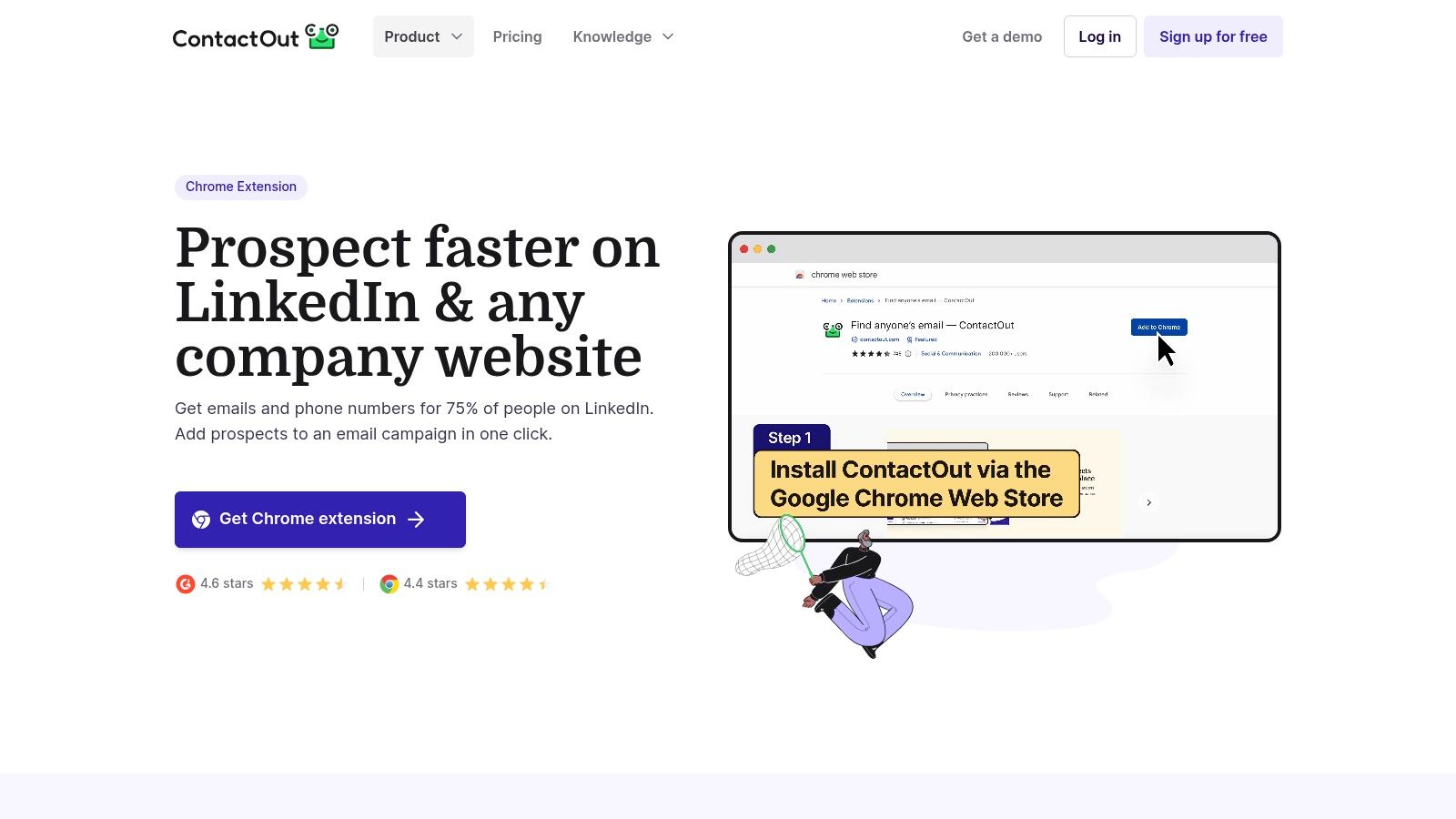
ContactOut has a practical, recruiter-friendly feel. It pulls emails and phone numbers from LinkedIn profiles and company sites, and its “Anywhere” sidebar makes it useful beyond the standard LinkedIn search path. That matters if your day includes both active sourcing and whatever else the internet throws at you.
What stands out
ContactOut is often strongest for one-to-one sourcing. In some niches, it finds emails that other tools miss, which is why recruiters and B2B sellers keep it in the rotation. It also supports list building and CRM or ATS integrations, so it can serve as a practical bridge between sourcing and outreach.
One thing to watch is scale. Phone accuracy can vary, and credits still matter when your team is working through a long list. It's a useful tool, just not a magic wand.
If reverse lookup is part of your workflow, RoverLead's guide to reverse lookup for email address is the natural next stop.
RoverLead AI workflow match
ContactOut is a good fit when you've already got a narrow target list and need to enrich it. RoverLead AI is better when you need to decide which targets deserve that attention in the first place. That saves reps from spending an afternoon enriching people who were never likely to buy.
5. Wiza
Wiza is built for fast list building, and it knows it. The extension turns LinkedIn and Sales Navigator searches into enriched contact lists with verified emails, then gets them out to CSV or into a CRM without unnecessary ceremony.

Why SDRs like it
If your team runs focused search sprints, Wiza is easy to appreciate. It's quick at capturing prospects from search pages, and the workflow is clean enough that new reps usually get it without a three-hour onboarding ritual. The team workspaces and usage analytics are also helpful when managers want visibility into how prospecting work is actually happening.
Wiza is less compelling if your process depends heavily on phone-first outreach or broad enrichment across channels. Its strength is precision email list building, not being everything to everyone.
RoverLead AI workflow match
Wiza pairs best with RoverLead AI when you want to turn a high-intent signal into a tightly scoped list. RoverLead identifies the buying behavior, Wiza helps you capture and export the people behind it. That combination is stronger than stuffing a giant search export into a sequence and hoping relevance appears by magic.
6. Hunter Hunter for Chrome
Hunter has staying power because it keeps the job simple. Find emails, verify them, save them, move on. For startups, solo sellers, and email-first motions, that kind of restraint is a feature, not a flaw.

The practical appeal
Hunter's extension works well for reps who prefer clean UI and low-friction training. You do not need a deep ops stack to understand what it does. It's also a sensible pick when verification matters more than fancy extras, because bad email data wrecks campaigns faster than bad copy does.
The obvious limitation is phone data. Hunter is not trying to be your all-channel contact engine, and that's fine. It's a budget-friendly email tool first, and that focus keeps it easy to adopt.
RoverLead AI workflow match
Hunter is a good companion when RoverLead AI has already narrowed the search to a meaningful audience. Use RoverLead for signal-based prioritization, then use Hunter to verify the email route. That sequence keeps email outreach attached to live interest rather than static lists.
7. Snov.io LI Prospect Finder + Email Finder Extension
Snov.io is for teams that want prospect discovery and email infrastructure under one roof. The LinkedIn-facing extension captures leads, saves them into lists, and connects neatly to campaigns and CRM connectors, which reduces the “tool sprawl tax” that hits early sales teams hard.
Why it makes sense
The LI Prospect Finder is the headline feature, but the broader appeal is the workflow chain. You can discover leads, verify addresses, and keep the motion moving without jumping into a different vendor for every step. That makes Snov.io attractive for teams that want one platform to do a bit of everything.
The trade-off is focus. Phones and deep intent signals are not the main story here. If your outreach engine depends on those, you'll still need other tools in the stack.
RoverLead AI workflow match
Snov.io works best after RoverLead AI has done the hard part of finding the right people to contact. RoverLead adds intent context, while Snov.io handles capture, verification, and campaign plumbing. That's a good split for lean teams that want fewer tools but still need a smarter front end.
8. Kaspr
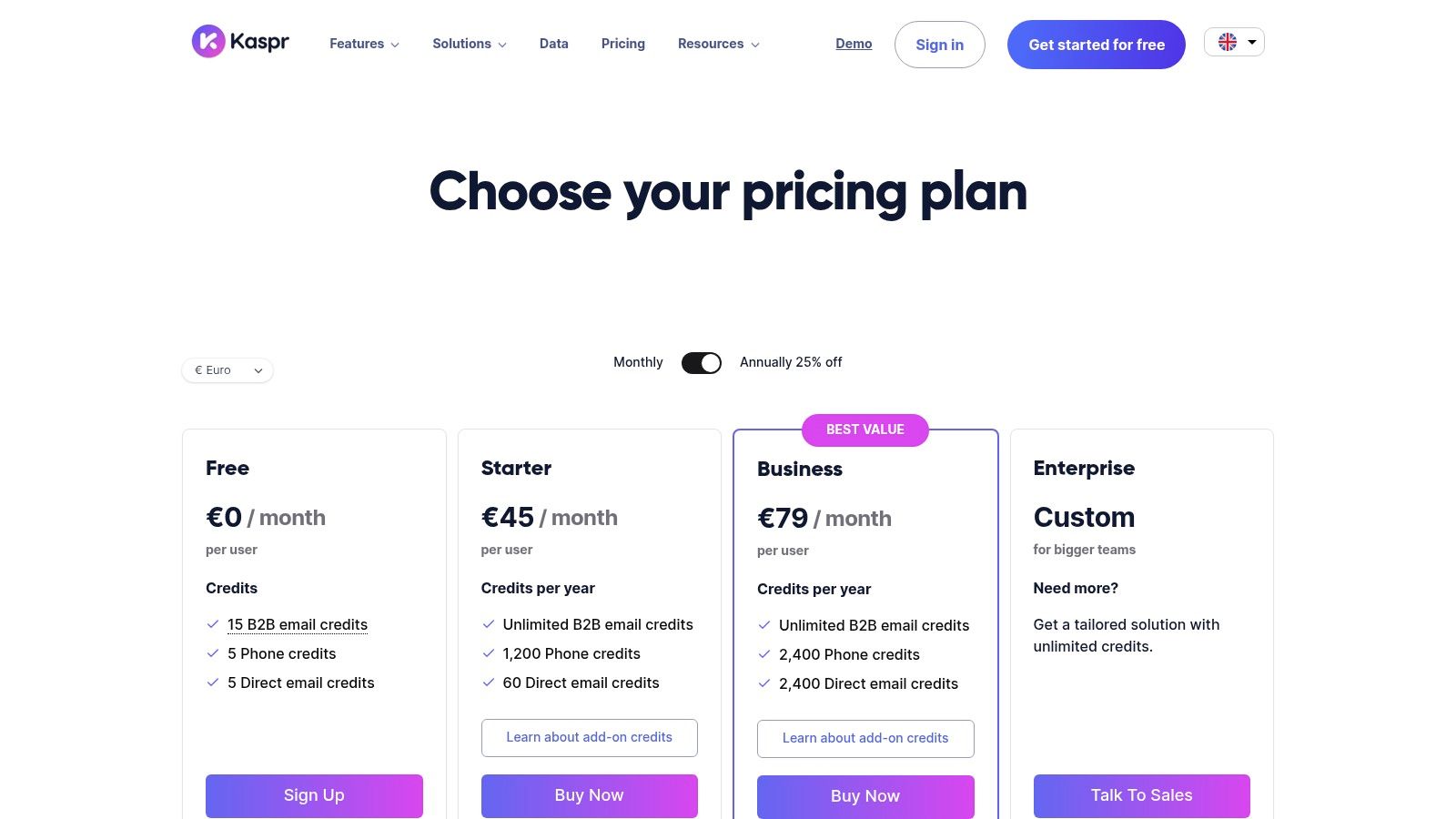
Kaspr is a LinkedIn-centric contact extension that feels especially useful for event sourcing, group prospecting, and profile-based enrichment. It reveals emails and phone numbers, then lets reps move quickly into lightweight lead management and CRM sync.
Where it fits
Kaspr is good when the sourcing motion is simple and live. A rep sees a person in a LinkedIn group, a speaker list, or a Sales Navigator result, then wants contact data without fuss. That makes it feel immediate, which is exactly what many outbound workflows need.
Its free plan is useful for light use, but higher-volume teams will hit paid tiers quickly, especially if phone access becomes routine. Coverage also varies by region and vertical, so it's smart to validate it on your own target segments instead of assuming the demo is destiny.
If your workflow leans on auto-message style tactics, RoverLead's LinkedIn auto message guide is worth a read before you lean too far into automation.
RoverLead AI workflow match
Kaspr is the data layer. RoverLead AI is the decision layer. Use Kaspr to capture contact details after you know someone belongs in the queue, and use RoverLead to decide which people should enter the queue at all.
9. SeamlessAI Chrome Extension
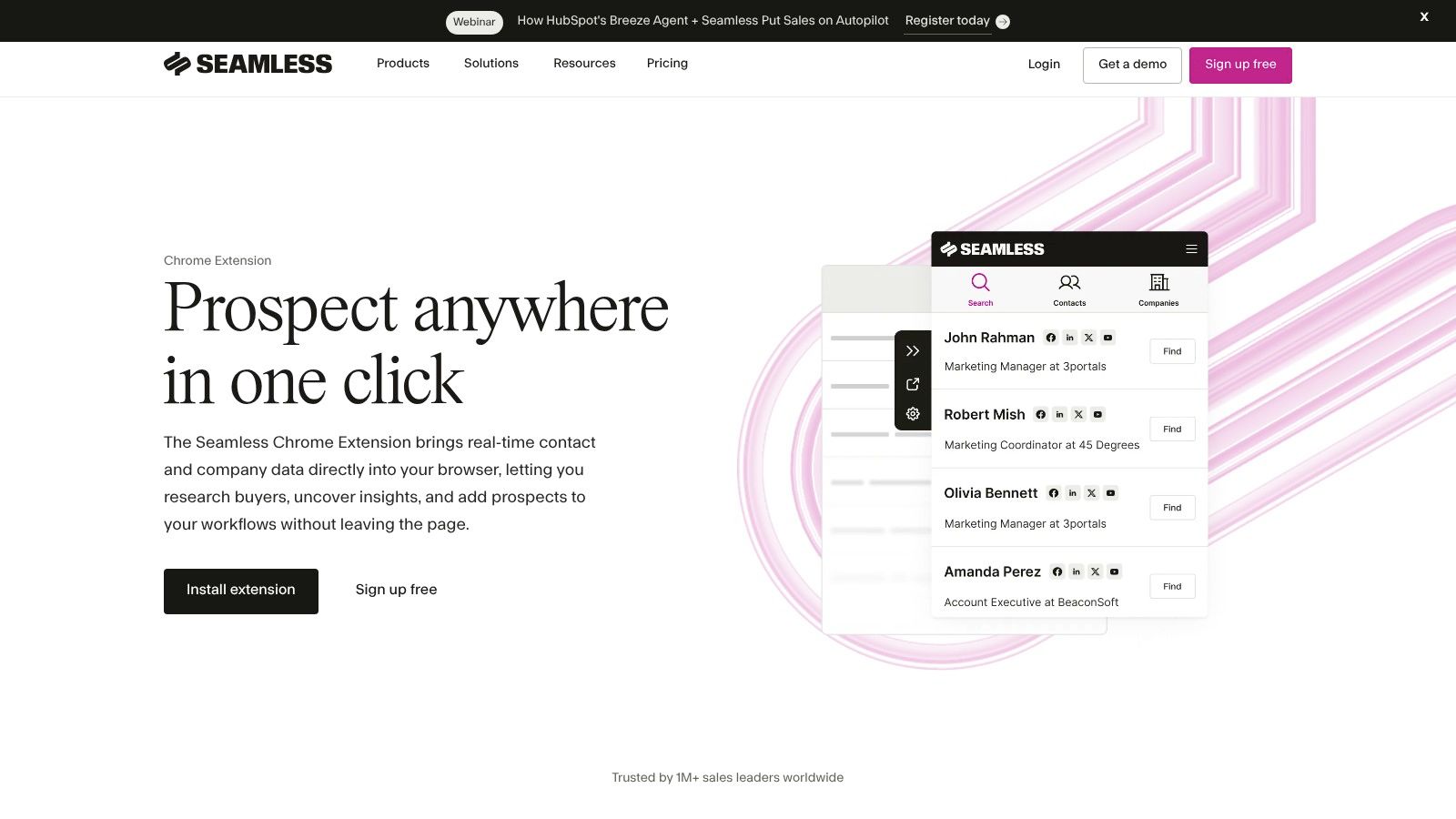
Seamless.AI's extension is built for teams already committed to its accompanying platform. It can discover contacts while browsing LinkedIn and company sites, then push those results into lists and CRMs with relatively little friction.
What to expect
The appeal here is convenience inside a familiar ecosystem. The extension supports one-click capture, team workspaces, and app integrations, which makes it a reasonable choice when a company already standardized on Seamless.AI and does not want another disconnected tool.
The caution is familiar too. Data accuracy can vary by industry, so verification is still part of the game. That's not a flaw unique to one offering, it's just the reality of the category.
RoverLead AI workflow match
Seamless.AI is strongest when the team already knows who it wants to capture. RoverLead AI is better when the team wants the source pool to be more selective and more timely. In practice, that means RoverLead can reduce the number of low-value captures before Seamless does the enrichment work.
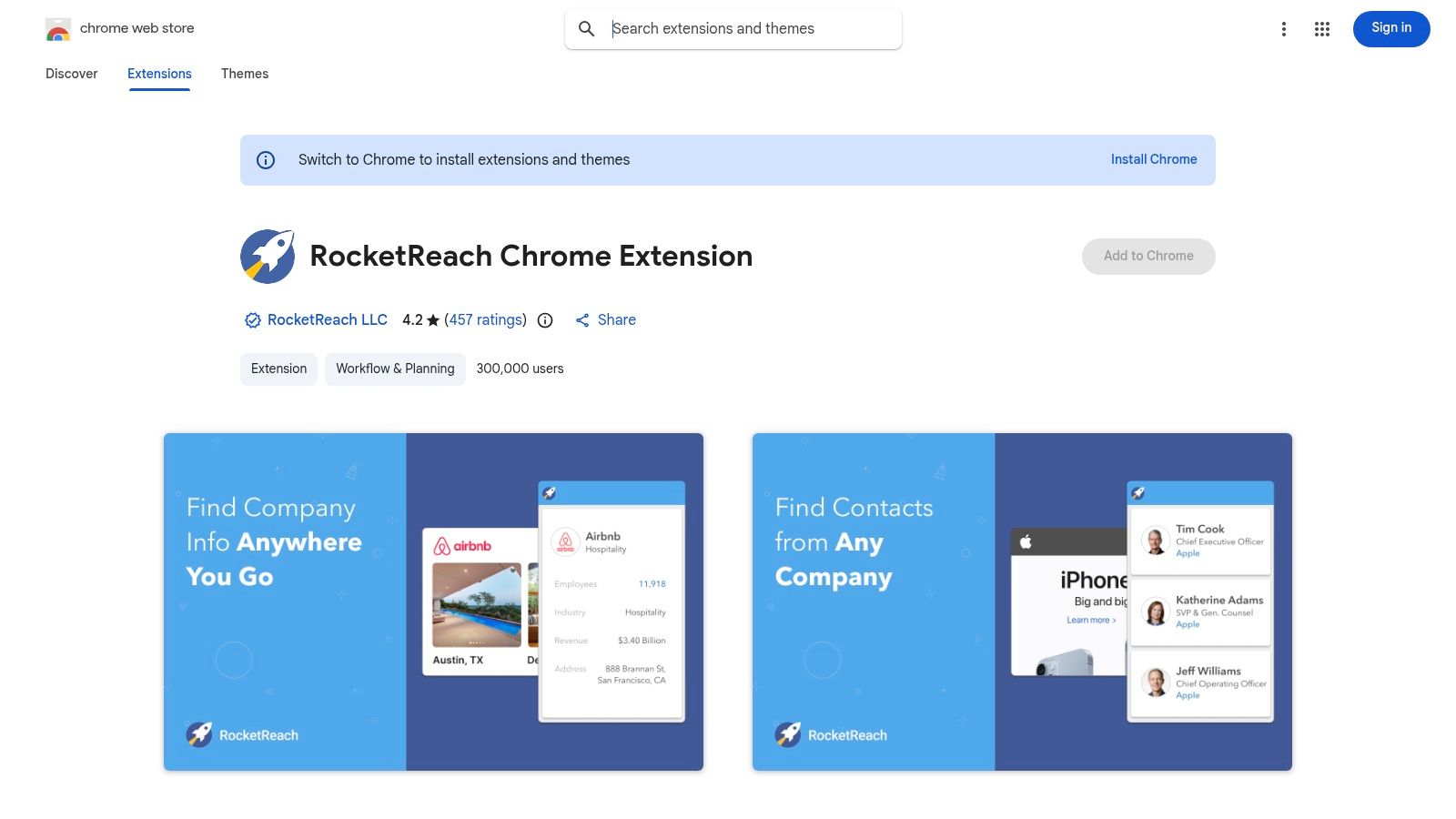
10. RocketReach Chrome Extension
RocketReach is a familiar prospecting companion for recruiters and SDRs who want to look up emails and phone numbers directly from LinkedIn or company pages. It's not flashy, but it gets the core job done with enough familiarity that many teams stick with it.
Why it stays in stacks
RocketReach is useful for one-by-one prospecting, especially when reps want a supplemental database to cross-check contacts. The Chrome Web Store listing also signals regular updates, which matters in a category where browser changes can break tools at the worst possible moment.
It's not the cheapest path at volume, and some users report mixed accuracy, so verification still matters before outreach. But for teams that want a recognizable tool with smooth in-profile workflow, it remains a practical option.
RoverLead AI workflow match
RocketReach works best after RoverLead AI has narrowed the field to a handful of people worth chasing. Then RocketReach can help fill contact gaps without encouraging the team to spray outreach at everyone with a profile photo and a job title.
Top 10 LinkedIn Chrome Extensions, Feature Comparison
Product | Core capability | ✨ Unique / USP | 👥 Target audience | 💰 Pricing & ★ Quality |
|---|---|---|---|---|
Surfe (formerly Leadjet) | CRM overlay, two-way sync with LinkedIn | ✨ In‑LinkedIn CRM updates & automatic enrichment 🏆 | 👥 CRM-centric sales reps & Ops | 💰 Best for CRM workflows; ★★★★☆ |
Apollo.io Chrome Extension | Contact data + sequences inside LinkedIn | ✨ Add-to-sequence + dialer integration 🏆 | 👥 Teams already on Apollo (AE/SDR) | 💰 Credit tiers; can be complex; ★★★★ |
Lusha Extension | One‑click email & direct dial reveals | ✨ Fast direct‑dial discovery; team billing | 👥 SDRs, SMB & mid‑market reps | 💰 Credit-based; costs scale with phone use; ★★★★ |
ContactOut Chrome Extension | Email/phone finder + “Anywhere” sidebar | ✨ Source contacts from any site/sidebar | 👥 Recruiters & one‑by‑one sourcers | 💰 Credit model; good for niche finds; ★★★ |
Wiza | Bulk LinkedIn → verified lists & exports | ✨ Rapid list-building & CSV/CRM export 🏆 | 👥 SDRs running list-build sprints | 💰 Pays by usage; depends on LinkedIn access; ★★★★ |
Hunter (Chrome) | Domain & profile email finder + verifier | ✨ Strong email verification; budget-friendly 🏆 | 👥 Startups, email-first outreach | 💰 Affordable plans; email-focused; ★★★★ |
Snov.io (LI Prospect Finder) | LinkedIn capture + email campaigns | ✨ Prospecting + campaign stack in one | 👥 Teams wanting discovery+outreach in one | 💰 Competitive pricing if using Snov stack; ★★★ |
Kaspr | Email & phone reveal + bulk enrichment | ✨ Good for event/group prospecting; free tier | 👥 Event/network prospectors & small teams | 💰 Free credits + paid tiers; ★★★ |
Seamless.AI Chrome Extension | Contact reveals + platform push | ✨ Researcher assistance + CRM push | 👥 Teams on Seamless platform | 💰 Enterprise pricing/quotas; verification advised; ★★★ |
RocketReach Chrome Extension | Email/phone lookup & bulk web lookups | ✨ Familiar recruiter workflow; bulk exports | 👥 Recruiters & manual SDRs | 💰 Credit-based; can add up at scale; ★★★ |
Your LinkedIn Sales Stack, Supercharged
The best LinkedIn Chrome extension is not the one with the longest feature list, it's the one that matches your workflow without turning prospecting into a compliance headache or a data-cleanup hobby. If your team needs CRM hygiene, Surfe is hard to beat. If you live inside sequences, Apollo makes the handoff fast. If you care about fast contact reveal, Lusha, ContactOut, Kaspr, RocketReach, and another popular option each have their place, while Wiza, Hunter, and Snov.io are better for focused list building and email-led outreach.
The bigger lesson is that extensions solve execution, not judgment. They help reps move faster inside LinkedIn, but they do not tell you who is in-market. That's where RoverLead AI changes the equation, because it watches real engagement signals, surfaces people at the right time, and gives reps a smarter starting point instead of a bigger pile of profiles.
There's also a reality check worth keeping in mind. LinkedIn now operates in a browser environment where extension detection is serious business, with independent reports describing large-scale scanning and fingerprinting behaviors security reporting on LinkedIn extension detection and extension-scanning documentation. That makes safe workflows, controlled permissions, and sane automation habits more important than ever.
If you're building a durable LinkedIn sales stack, pair one or two solid extensions with RoverLead AI, then keep the rest of the process human, timely, and targeted. That's how you get less tab chaos, cleaner data, and better conversations.
A CTA for RoverLead AI.