
10 Expandi Alternatives for Smarter LinkedIn Outreach

The most popular advice about Expandi alternatives is also the least useful: just pick another LinkedIn sequencer. That works only if sequencing is the actual problem. Many buyers are really looking for stronger intent signals, coordinated email, tighter data control, team governance, a lower entry cost, or a workflow that connects cleanly to the CRM.
An alternative can therefore mean a LinkedIn-native automation tool, a multichannel platform, a prospecting database, a local runner, or an intent-led AI SDR. Those categories solve different jobs, and swapping one for another without naming the job is how teams end up paying for a longer feature list and using none of it.
LinkedIn remains central to B2B prospecting. Benchmark data reports 1.3 billion registered members, about 310 million monthly active users, and adoption by 89% of B2B marketers for lead generation. LinkedIn also produces about 80% of B2B social-media leads, according to 2026 LinkedIn benchmark data. The channel matters. The automation model still needs scrutiny.
Below, each tool is judged by the work it performs, its likely use case, compliance trade-offs, pricing mechanics, and migration implications. The comparison marker will support the generated table, followed by a practical migration guide and ten direct answers for teams deciding whether to leave Expandi.
Table of Contents
What Counts as an Expandi Alternative
Expandi is best understood as a LinkedIn-first outreach platform. A genuine alternative may replace its sequencing, but it might instead replace the prospect research around it, add email and CRM execution, or reduce the amount of automation touching LinkedIn.
That distinction matters because Sales Navigator search results are capped at 2,500 lead results across 100 pages and 1,000 account results across 40 pages, as LinkedIn's help documentation explains. Large prospecting programs therefore need prioritization, enrichment, and workflow discipline. Endless list extraction isn't a strategy. It's a very expensive way to create a spreadsheet nobody opens.
Compliance is part of the product decision, not a checkbox at the end. LinkedIn says accounts have a limited number of invitations to protect recipients from excessive requests, as described in its invitation guidance. Its compliance documentation also records outbound and inbound messages as compliance events for regulated members across connection requests, InMail, Recruiter, and Sales Navigator messaging activity.
Pricing needs the same practical treatment. Compare the cost per LinkedIn identity, user, mailbox, credit, enrichment action, execution hour, and CRM seat. The cheapest headline plan can become the expensive option once you add email infrastructure, data credits, or extra operators.
1. RoverLead AI
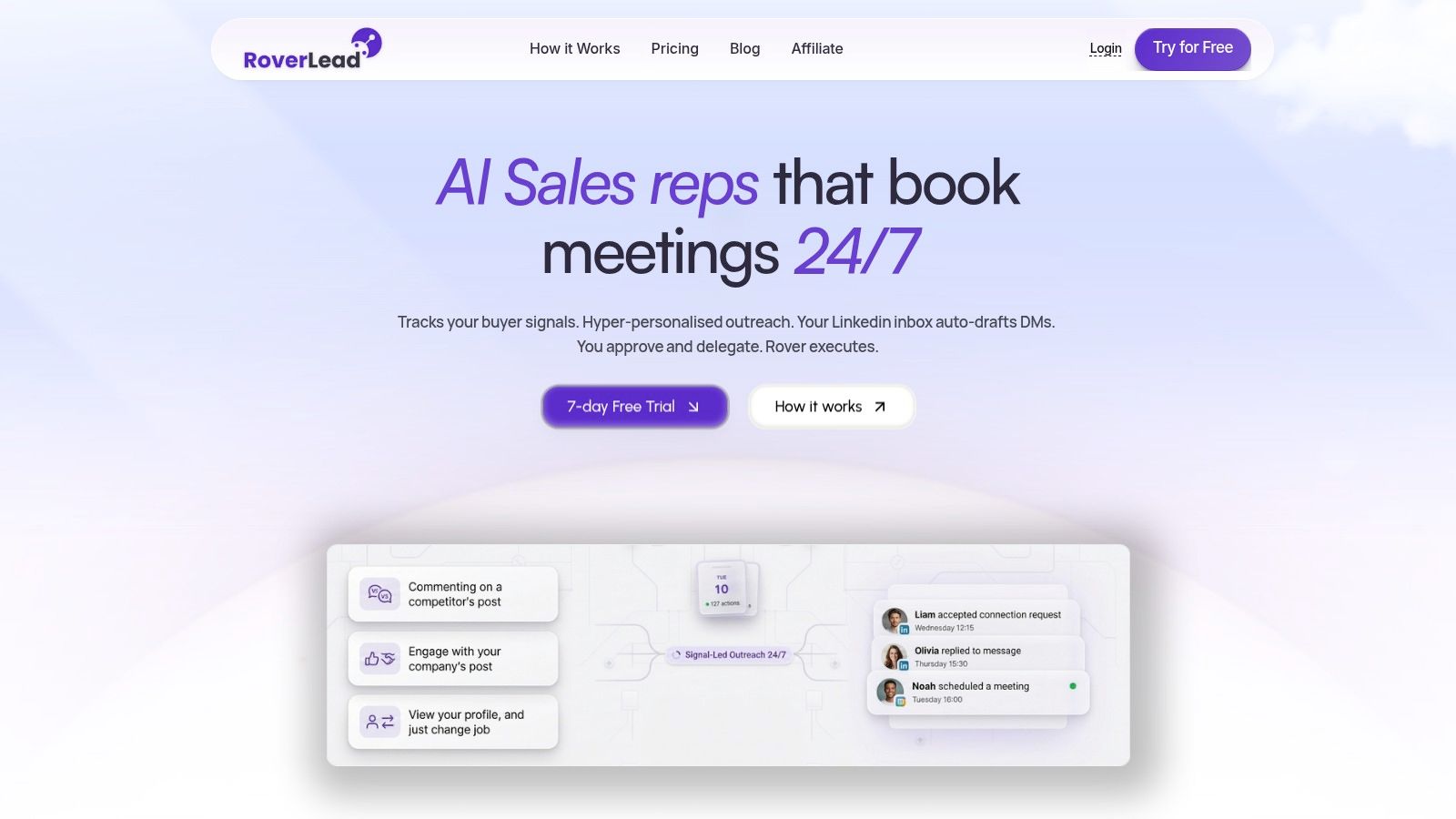
RoverLead AI fits teams whose bottleneck is finding people showing buying intent, not sending another sequence to a static list. Its Signal Agents monitor creators, competitors, and niche conversations for comments, pricing or demo discussions, and content engagement. The platform turns those signals into a curated prospect feed with context and a suggested opener.
Its core job is intent discovery with controlled LinkedIn execution. You define an ICP using keywords, competitors, and niche experts, review suggested leads, then approve messages before they send. The inbox adds lightweight CRM functions, including hot, nurture, and follow-up classifications, tags, pinned conversations, reply drafts, and follow-up sequencing.
Best fit and trade-offs
Choose RoverLead for founder-led sales, consultative B2B selling, and SDR teams that value relevant context over maximum outreach volume. It works particularly well when a salesperson can judge whether a conversation is worth entering, while the platform handles monitoring and follow-up.
The approval step supports a more controlled LinkedIn workflow than blind sequence execution. RoverLead is positioned as LinkedIn-compliant by design, but that is not a free pass. Your team still needs to follow LinkedIn rules, respect consent and opt-outs, and apply internal review policies.
Pricing is straightforward to model. Starter costs $149 per month per user and includes 5,000 credits and two Signal Agents. Growth costs $449 per month per user and includes 25,000 credits, up to 10 Signal Agents, onboarding, and priority support. Enterprise pricing is custom, with unlimited agents, team workspaces, and a dedicated customer success manager. A seven-day free trial is available without a card.
Move from Expandi when static lists and generic sequencing are limiting results. Stay with a conventional sequencer when your lists are already strong and campaign mechanics matter more than intent discovery. Review the workflow before migrating, because RoverLead changes prospect selection as much as message execution.
Website: RoverLead AI
2. Dripify
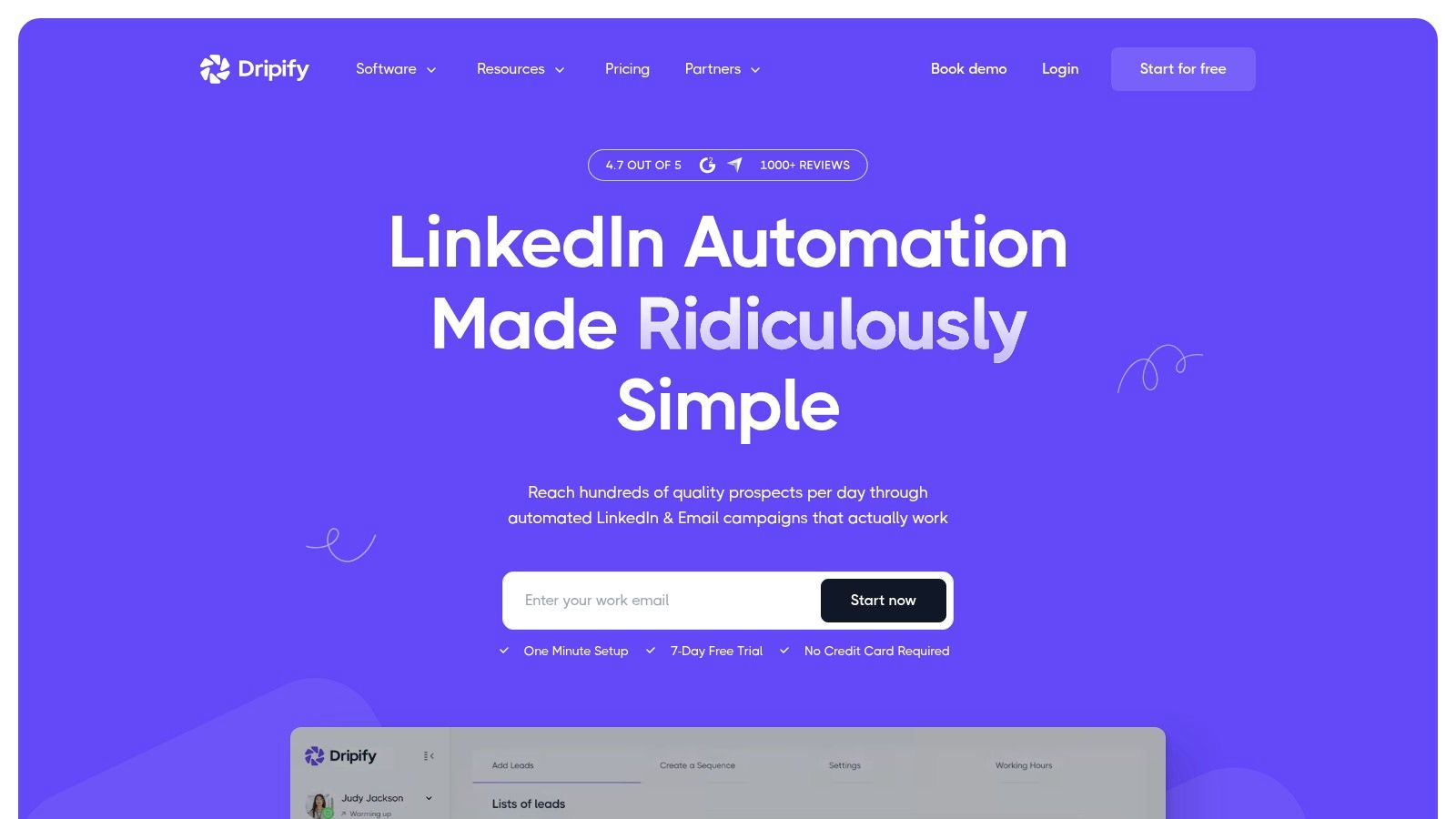
Dripify is the practical all-rounder for teams that want to launch LinkedIn and email sequences quickly without assembling several tools. Its visual campaign builder supports more than LinkedIn touches, with branch logic, reply detection, and a unified campaign view. That makes it useful for a sales team that wants a sequence to stop or change direction when a prospect replies, rather than continuing like a robot with a calendar.
Team roles, shared templates, centralized inbox management, and campaign analytics make it more suitable for a small sales team than a purely individual tool. Safety controls include randomized timing, adaptive activity, and dedicated infrastructure. Those features help with operational discipline, but no automation platform makes aggressive outreach invisible to LinkedIn.
The trade-off is per-seat economics. Costs rise as the team adds operators, and advanced CRM connections often depend on webhooks or Zapier rather than a fully native data model. Email is available in paid multichannel workflows, but teams should still assess mailbox setup, sending reputation, and reply handling separately.
Dripify is a sensible migration for an Expandi user who wants a faster visual builder and coordinated LinkedIn plus email actions. It isn't the best choice for intent-led prospecting or teams that need an advanced enrichment layer.
For a broader view of channel selection, use this guide to LinkedIn prospecting tools.
Website: Dripify
3. Linked Helper
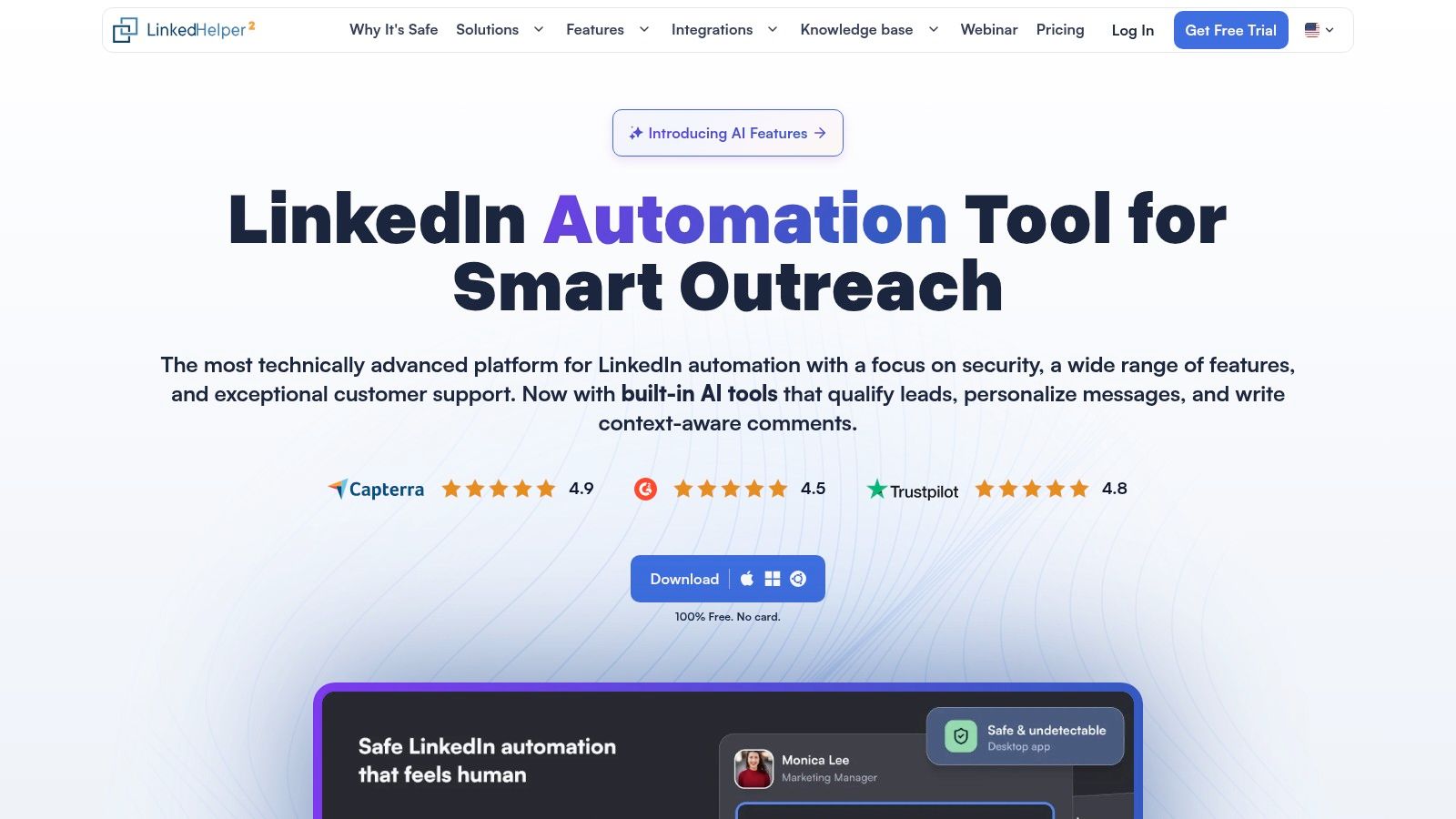
Linked Helper is built for buyers who put data control and local execution ahead of convenience. It runs on a desktop or a VPS, with optional cloud data storage, so teams can keep more control over where the automation operates. If your security team dislikes a fully hosted runner, that architecture may be more persuasive than a glossy dashboard.
Its feature set is broad for the price. AI ICP detection, message generation, reply assistance, and commenting support personalization, while the unified inbox and native integrations connect with HubSpot, Salesforce, Pipedrive, Zoho, and other CRM systems. Webhooks and workspace roles also help operators build a more governed process.
The compliance consideration is operational ownership. Running locally or on your VPS gives you control, but it also gives you responsibility for uptime, access permissions, monitoring, and safe pacing. A 24/7 setup requires a VPS you manage, and the standard plan limits some advanced actions per day.
Linked Helper fits technical founders, agencies with an operator comfortable managing infrastructure, and teams with strict data preferences. It is a poor fit if your sales team wants a fully hosted, set-it-and-forget-it workflow.
Move from Expandi when cloud execution is the concern. Don't move merely because the interface looks cheaper. Add the cost of VPS management and implementation time before comparing plans.
See how the architecture affects execution in this guide to LinkedIn outreach automation.
Website: Linked Helper
4. We-Connect
We-Connect is a practical fit for sales teams and agencies that need cloud LinkedIn automation with optional email, not a full data-sourcing platform. Its Lead Engine builds visual workflows across more than 20 LinkedIn actions, with reply detection, account warm-up, and email steps on Professional. Native CRM integrations keep CRM-connected execution inside the campaign instead of forcing manual prospect transfers.
Its clearest job is LinkedIn sequencing. Agencies can give operators shared campaign controls while pricing remains tied to LinkedIn seats, rather than charging every manager as a separate sending identity. That model suits teams where campaign managers supervise several account operators.
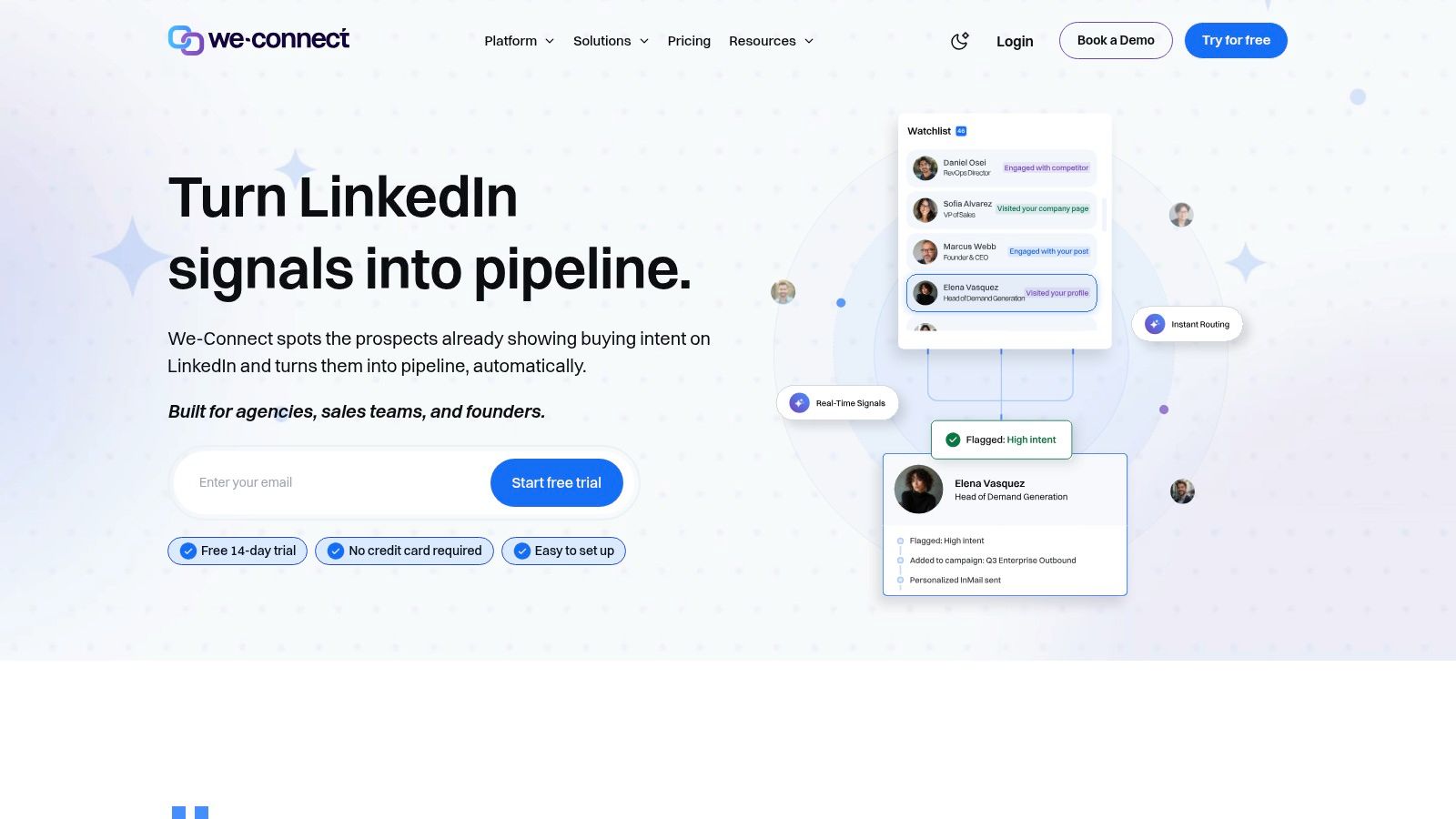
Watchlist provides intent-style monitoring, while AI assist and auto-reply reduce inbox workload. Treat these as monitoring and execution aids, not a replacement for serious prospect discovery. Advanced intent capabilities sit in the Scale or Agency tiers, and email enrichment is an add-on. Compare the complete workflow cost, not just the attractive base plan.
We-Connect fits agencies and sales teams running defined account lists that need visual orchestration, shared inboxes, and CRM synchronization. Review safe pacing, exclusions, and automated replies before launch, because cloud convenience does not remove compliance responsibility.
Migrate from Expandi when CRM-connected LinkedIn execution is the priority. Keep Expandi if deeper prospect discovery matters more. Export profile and campaign data, map fields, then rebuild workflows and test a small batch before switching.
Website: We-Connect
5. Waalaxy
Waalaxy is the low-friction option for solopreneurs and small teams. Its polished interface, prebuilt sequences, CRM sync, and CSV import and export make it easy to start without a technical implementation project. The Business tier adds LinkedIn and email sequencing, along with email finder credits.
The tool's plan structure is friendly to buyers who want to start small. A 14-day free trial, monthly, quarterly, and annual options, and clearly defined invite limits make initial budgeting simple. The catch is that advanced variables, deeper customization, and stronger integrations sit higher in the plan structure.
Waalaxy is still a LinkedIn-first choice, not an intent intelligence system. It helps execute a defined list, but it won't replace a serious data sourcing or buying-signal workflow. Teams should also review how the browser-based operating model fits their internal risk policy and campaign supervision.
Choose it when the priority is low entry cost and simple launch. Don't choose it for complex branching, multi-team governance, or a unified data operation across several channels.
During migration, export the prospect file, map profile URLs and email fields carefully, then rebuild sequences manually. Use the transition to remove stale contacts instead of importing every historical record like a digital attic.
For message mechanics, review this practical guide to LinkedIn auto messages.
Website: Waalaxy
6. Skylead
Skylead is designed for teams that want LinkedIn and cold email in one visual sequence and expect the program to grow. It combines connection requests, LinkedIn messages, InMail, and email steps, with behavior-based routing that can change the next action according to engagement.
The platform also includes unlimited email accounts and warm-up, image and GIF personalization, CRM and webhook support, and agency or white-label options. Its Unibox shared inbox helps teams manage replies across accounts without opening a separate browser tab for every sender.
The main downside is total cost visibility. The sticker price is higher than entry-level LinkedIn tools, and AI or enrichment features can be add-ons. Model the cost of LinkedIn identities, email accounts, warm-up, data, and agency features before calling it a bargain.
Skylead is the right migration for a multichannel sales team that currently stitches Expandi to an email platform. It isn't necessary for a founder who sends a small, highly personal LinkedIn campaign and wants a short setup.
Its compliance posture depends on how you use the routing. Behavior-based automation should reduce irrelevant touches, not become an excuse to increase every limit. Stop sequences when prospects reply or opt out, and keep email and LinkedIn consent rules distinct.
Website: Skylead
7. Meet Alfred
Meet Alfred makes sense when LinkedIn outreach sits beside light social publishing and X outreach. Its consolidated inbox supports LinkedIn, email, and X sequences, while content scheduling and a Lead Finder give social-focused sellers one workspace for outbound and visibility work.
That wider remit helps consultants, agencies, and founders who want their personal brand and prospecting motion to share a calendar. Team collaboration, roles, white-label options, campaign analytics, and a CRM-style lead view add useful structure for client work.
The important pricing detail is easy to miss: full multichannel capability requires the Business tier or above, and final plan selection can vary by configuration. Don't compare the entry plan with Expandi's full workflow and declare victory. Compare like with like, including inbox, team, and channel access.
Meet Alfred is a good fit for an agency that sells through content and conversations. It is less compelling for a pure SDR operation that wants intent detection, deep CRM orchestration, or an email deliverability suite.
Keep social scheduling separate from prospect pressure. A useful post should remain useful even if nobody receives a follow-up afterward.
Website: Meet Alfred
8. Dux-Soup
Dux-Soup remains a strong option for teams that want granular LinkedIn-first control. Its Chrome-extension workflow supports up to 12 LinkedIn actions per drip, including viewing, following, endorsing, connecting, messaging, and InMail. The central inbox, lead management, CRM integrations, and action-level pacing give operators plenty of levers.
The pricing path is flexible. Pro runs locally, Turbo adds drips and integrations, and Cloud provides hosted, always-on execution. That lets a cautious buyer start with a lower-cost local setup and upgrade when the team proves it needs continuous operation.
The trade-off is user experience. The Chrome-extension interface can feel dated beside newer cloud applications, and true set-and-forget automation requires the more expensive Cloud tier. Local execution also needs active ownership of browser sessions, permissions, and pacing.
Dux-Soup is the migration choice for a technically comfortable operator who wants action-level control and a flexible path from local to hosted. It isn't the right answer for a modern team that wants intent signals or a polished shared workspace first.
Review the operational implications in this guide to LinkedIn Chrome extensions.
Website: Dux-Soup
9. PhantomBuster
PhantomBuster solves a different problem. It is primarily a data sourcing and workflow automation platform, not a reply-managed LinkedIn sequencer. Its 100-plus prebuilt Phantoms and cloud Workflows can collect, enrich, transform, and route prospect data from LinkedIn, Sales Navigator, websites, and other sources.
That makes it valuable when the bottleneck is list building. You can connect workflows to n8n, Make, Zapier, or its MCP server, then trigger processes from AI tools and other systems. The platform is particularly useful for growth teams that need repeatable data operations before handing qualified records to a sequencer.
The pricing mechanic is usage-based, with automation slots, execution hours, AI credits, and email credits. That flexibility supports complex programs, but it can be confusing initially. Monitor consumption by workflow, not only by account, or a small change in list volume can produce an unpleasant surprise.
PhantomBuster is the recommendation when prospect discovery and enrichment are the actual constraint. Pair it with a sequencer if you need reply-aware outreach, inbox ownership, or human approval before messaging. Replacing Expandi with PhantomBuster alone may solve list creation while leaving conversation management untouched.
Compliance deserves extra care because data extraction and outreach are separate responsibilities. Confirm your lawful basis, retention policy, source restrictions, and deletion process before routing records into campaigns.
Website: PhantomBuster
10. La Growth Machine
La Growth Machine, or LGM, is the full-stack choice for teams coordinating LinkedIn, email, X, and calls. Its drag-and-drop builder supports multichannel sequences, while the unified inbox and rotating inbox features help teams manage conversations and sending identities from one operating layer.
The platform also includes enrichment credits and timeline synchronization with HubSpot and Pipedrive. Higher tiers add deeper CRM connectivity, agency packaging, and dedicated support. That makes LGM attractive to agencies and mature B2B teams whose workflows already cross several channels.
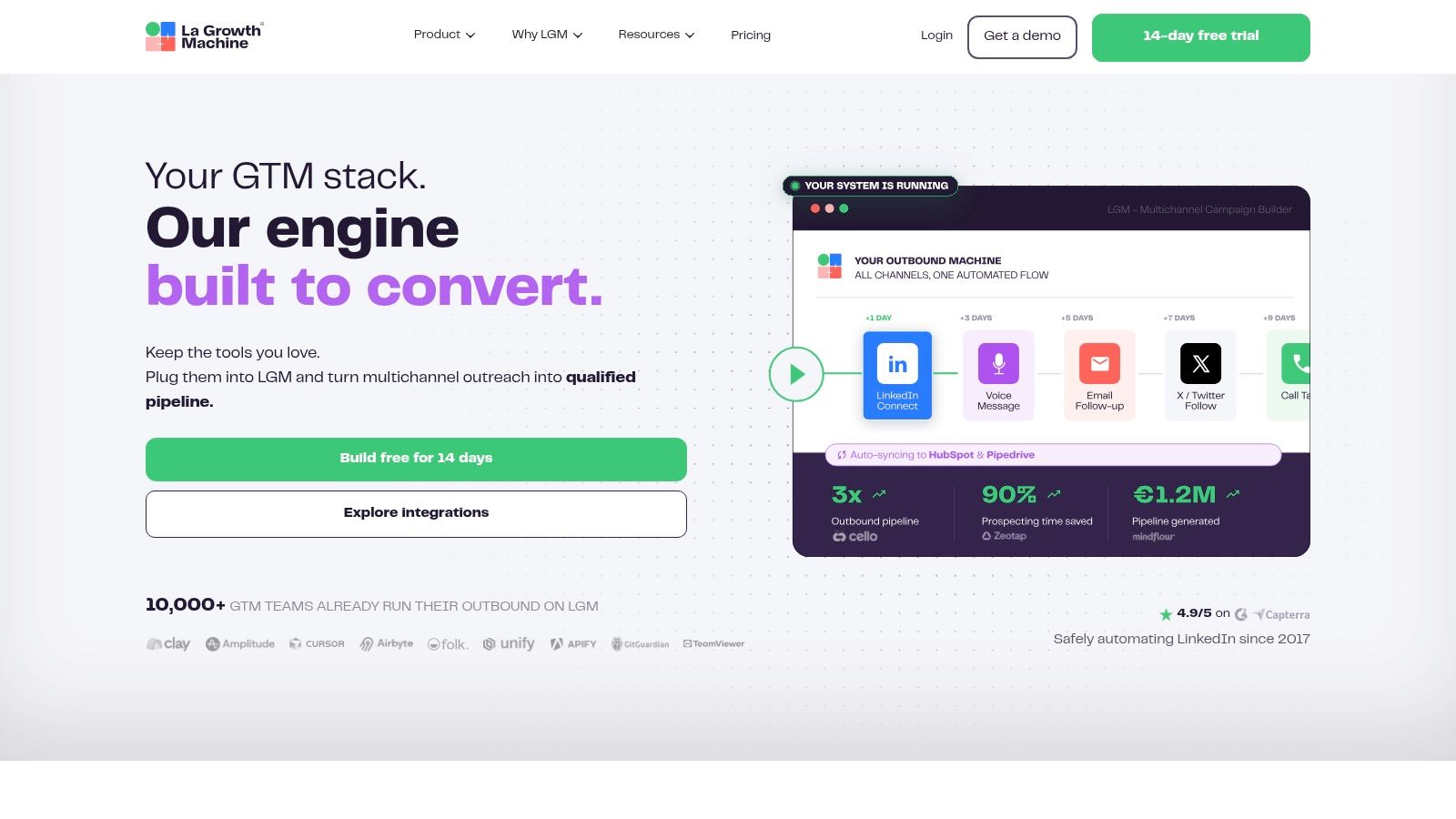
The pricing unit is an identity, not just a user. Enrichment credits can add to the actual cost, and the visual builder plus advanced functions are gated to higher tiers such as Ultimate. Ask for a full quote that includes identities, credits, CRM access, and agency requirements.
Choose LGM when the team needs coordinated calls and social touches, not just LinkedIn automation with a few email steps. If your workflow is approval-led and intent-driven, a lighter LinkedIn-first platform may produce better operational fit with less machinery.
Migration requires a field map for every channel. Decide which activity belongs in the CRM timeline, which replies stop a sequence, and how phone, email, LinkedIn, and X opt-outs synchronize.
Website: La Growth Machine
Top 10 ExPandi Alternatives Comparison
Product | Key features | UX & Quality | Value & Pricing | Target audience | Unique selling points |
|---|---|---|---|---|---|
RoverLead AI 🏆 | Signal‑led discovery, AI‑personalized openers, human‑in‑the‑loop approvals, inbox CRM | ★★★★★ fast learning, high reply/meeting lift | 💰 Starter $149/mo, Growth $449/mo, Enterprise custom; 7‑day free trial | 👥 B2B SDRs, SMBs, agencies focused on intent outreach | ✨ Monitors live LinkedIn buying signals; LinkedIn‑compliant; auto‑draft & follow‑up sequencing |
Dripify | Multichannel sequences (LinkedIn+email), visual campaign builder, team controls | ★★★★ quick to launch; reply‑aware sequencing | 💰 Per‑seat; mid‑range; many prebuilt flows | 👥 Sales teams wanting speed‑to‑live | ✨ Visual builder + reply‑stop logic |
Linked Helper | Desktop/VPS runner, AI message generator, native CRM integrations | ★★★★ strong control; reliable features | 💰 Low entry price; pay‑as‑needed AI credits | 👥 Teams needing data control & low per‑seat cost | ✨ Runs locally/VPS; deep native CRM sync |
We‑Connect | Cloud LinkedIn automation, Lead Engine workflow, Watchlist intent | ★★★★ team/agency friendly; built‑in safety | 💰 Seat‑based; advanced intent on higher tiers | 👥 Teams & agencies needing inbox & syncs | ✨ LinkedIn Watchlist (intent) + visual workflows |
Waalaxy | Prebuilt outreach sequences, CRM sync, email finder (Business) | ★★★ polished UI; easy templates | 💰 Low entry price; 14‑day trial; Business unlocks multichannel | 👥 Solopreneurs & small teams | ✨ Simple pricing and template library |
Skylead | LinkedIn + email flows, unlimited email warm‑up, Smart Sequences | ★★★★ scalable multichannel performance | 💰 Higher than entry tools; agency plans | 👥 Scaling teams & agencies | ✨ All‑in‑one stack with agency/white‑label options |
Meet Alfred | LinkedIn+email+X sequences, social scheduling, smart inbox | ★★★★ broad channel coverage for brand + outbound | 💰 Mid‑range; Business+ for full multichannel | 👥 Sellers who want social publishing + outreach | ✨ White‑label & content scheduling |
Dux‑Soup | Chrome extension control, Turbo drip campaigns, optional Cloud plan | ★★★ flexible but UX feels dated vs cloud rivals | 💰 Very low Pro price; Turbo/Cloud add cost | 👥 LinkedIn‑first teams wanting granular controls | ✨ Action‑level pacing + local vs hosted options |
PhantomBuster | 100+ Phantoms, cloud workflows, enrichment & extraction | ★★★★ excellent for data ops & sourcing | 💰 Usage/execution credit model; scalable | 👥 Data teams & advanced prospectors | ✨ Extraction + enrichment at scale; workflow automation |
La Growth Machine (LGM) | Multichannel (LinkedIn+email+X+calls), drag‑drop builder, CRM sync | ★★★★ CRM‑centric with agency features | 💰 Per‑identity pricing; enrichment credits may add cost | 👥 Teams & agencies needing deep CRM sync | ✨ Rotating inbox, strong HubSpot/Pipedrive sync |
Choose the Workflow, Not the Flashiest Feature List
The shortlist is straightforward once you name the job. Choose RoverLead AI when live LinkedIn intent, contextual messaging, and human approval matter more than pushing a static list through a sequence. Its Signal Agents and approval-led inbox fit consultative selling, founder-led outreach, and teams that want automation to discover conversations rather than manufacture them.
Choose Dripify, We-Connect, or Skylead when LinkedIn and email need to share one sequence. Dripify favors quick deployment, We-Connect favors team-friendly management, and Skylead favors a broader multichannel operating layer. Choose Linked Helper or Dux-Soup when local execution and granular control outweigh cloud convenience.
Choose Waalaxy for a simple, lower-entry workflow. Choose PhantomBuster when list sourcing, enrichment, and data routing are the actual bottlenecks. Choose Meet Alfred for social publishing alongside outreach, and La Growth Machine when calls, email, X, LinkedIn, enrichment, and CRM synchronization all need to live together.
Before retiring Expandi, run a staged migration:
Define the ICP: Document industries, roles, triggers, exclusions, competitors, and disqualifying signals.
Inventory active sequences: Record every step, delay, branch, owner, and stop condition before rebuilding anything.
Protect exclusions: Move opt-outs, existing customers, competitors, employees, and sensitive accounts into permanent exclusion lists.
Approve messages: Review opening lines, follow-ups, variables, and AI-generated copy with the same standards across every sender.
Map CRM fields: Match LinkedIn URLs, company names, lifecycle stages, owners, source fields, reply status, and opt-out fields.
Set pacing: Start conservatively and measure replies, not just sent volume. LinkedIn limits invitations, and paid access doesn't make activity unlimited.
Handle opt-outs: Stop every channel when the buyer asks not to be contacted, then record the decision in the CRM.
Run a staged test: Start with a small segment, inspect delivery and replies, repair field mappings, and only then expand.
Retire carefully: Keep Expandi read-only until the replacement has captured the necessary history and the team can manage replies without gaps.
For the surrounding strategy, connect this tool decision to LinkedIn outreach strategy, LinkedIn compliance, AI SDR workflows, sales engagement tooling, and CRM lead nurturing. The tool should support the motion, not become the motion.
Expandi alternatives FAQ
What is the best Expandi alternative?
RoverLead AI is the best fit when you need live intent discovery and approval-led LinkedIn outreach. Dripify or Skylead is better when LinkedIn and email must run in one sequence, while PhantomBuster is better when sourcing and enrichment are the primary problems.
Why switch from Expandi?
Teams usually switch because they need stronger intent signals, better email coordination, more control over data, clearer team governance, or a different pricing model. A switch also makes sense when static list execution creates too much irrelevant activity.
Are LinkedIn automation tools safe?
No tool can guarantee account safety. LinkedIn limits invitations, tracks messaging activity, and can restrict behavior that violates its expectations. Choose conservative pacing, human review, clear exclusions, and a sending model that matches your risk tolerance.
How should you compare pricing?
Compare the complete workflow, not the headline plan. Include LinkedIn identities, users, mailboxes, data credits, enrichment, execution time, CRM access, support, and any add-ons. Credit-based and per-identity pricing can scale differently from per-user plans.
Which alternative is best for intent signals?
RoverLead AI is the clearest choice for intent-led discovery because its Signal Agents monitor activity around creators, competitors, and niche conversations. PhantomBuster can support data workflows, but it requires more configuration and doesn't replace a reply-managed inbox by itself.
Which tools offer a free trial?
RoverLead AI offers a seven-day free trial without a card, and Waalaxy offers a 14-day free trial. Confirm current terms before launch because trial conditions and plan features can change.
Which tool works best for teams?
Dripify and We-Connect are practical team choices for structured LinkedIn campaigns. Skylead and La Growth Machine suit teams coordinating several channels. RoverLead AI suits teams that want shared approval and intent classification around LinkedIn conversations.
Which alternatives include email steps?
Dripify, We-Connect on the Professional tier, Waalaxy on Business, Skylead, Meet Alfred on Business or above, and La Growth Machine support email within broader multichannel workflows. Check whether the plan includes email infrastructure or only an email action inside a sequence.
Can you migrate data from Expandi?
Usually, export prospects and map fields into the replacement platform or CRM, then rebuild the sequences manually. Preserve profile URLs, ownership, lifecycle status, exclusions, reply history, and opt-outs. Don't import every old record without checking freshness and permission.
What is the best fit for a solo seller?
Choose Waalaxy for simple, low-cost execution, RoverLead AI for intent-led and personalized selling, or Linked Helper when local control matters. The right choice depends on whether your scarce resource is budget, attention, prospect quality, or technical ownership.
RoverLead AI helps B2B teams find high-intent prospects from real LinkedIn activity, approve contextual messages, and manage follow-ups in a lightweight CRM-style inbox. If you want an Expandi alternative built around intent instead of spray-and-pray sequencing, visit RoverLead AI and see how its LinkedIn AI SDR workflow fits your sales motion.